
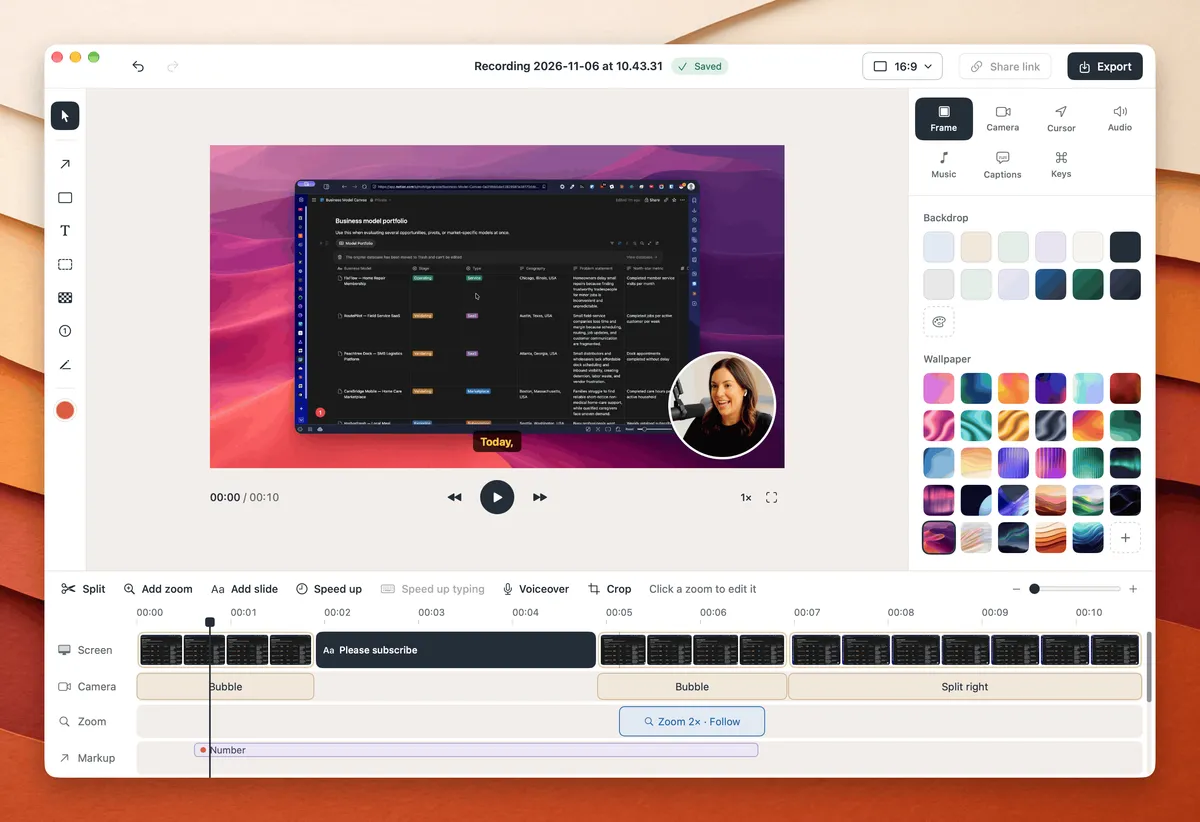

Mac screen recorder that edits for you: a zoom on every click, captions made on your Mac, eight camera layouts. Pay once.
Photo & Video
Screen Charm
Mac screen recorder with auto-zoom, captions, and a built-in editor. Record screen, camera, mic, and system audio; export 4K or a link.
$79 · one-time (lifetime license, 3 Macs)by screencharm.com
Screen Charm is a macOS screen recorder for creating polished product demos, tutorials, and launch videos without a separate editor. It records your display, a window, or a selected area, and can capture your camera, microphone, and system audio in the same session. After you finish, it automatically adds zoom on every click, smooths the cursor, and can generate captions from your narration. A built-in editor lets you trim clips, blur sensitive areas, adjust speed and zoom, wrap the recording in backgrounds or a MacBook frame, and export a split vertical clip for Shorts, Reels, or TikTok. Finished videos can be saved locally as MP4 files up to 4K, or uploaded for a shareable link. The app is Mac-only, requires macOS Sonoma 14.0 or later and Apple Silicon, and is sold as a one-time purchase with lifetime updates and a license for up to three Macs.
More like Screen Charm
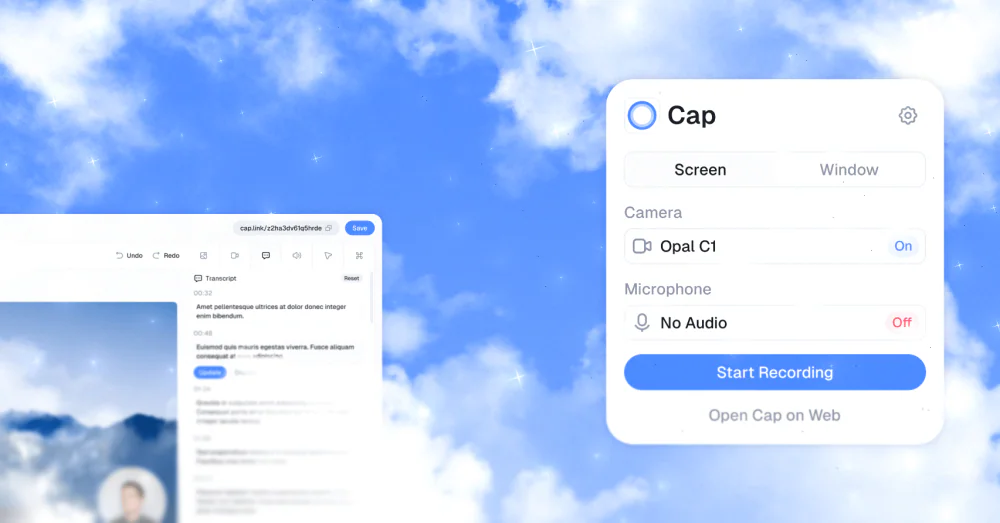
An open-source Loom alternative for Mac that records, edits, and shares screen recordings with a link — with a local-first Studio Mode and full self-hosting if you want to own the data.
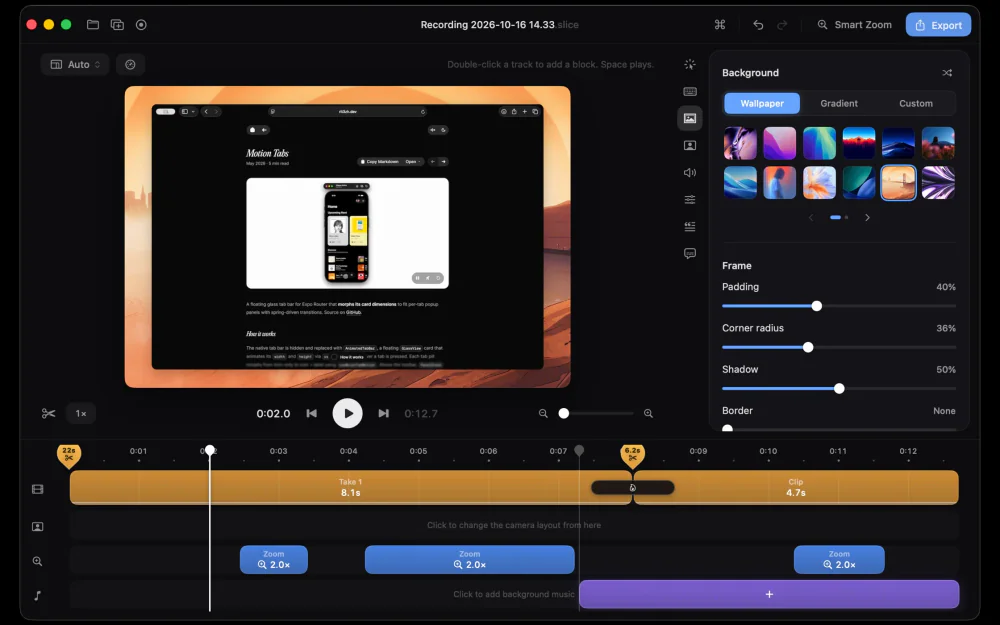
A native macOS screen recorder and video editor built with SwiftUI, with smooth zooms, cursor effects, and polished demos.
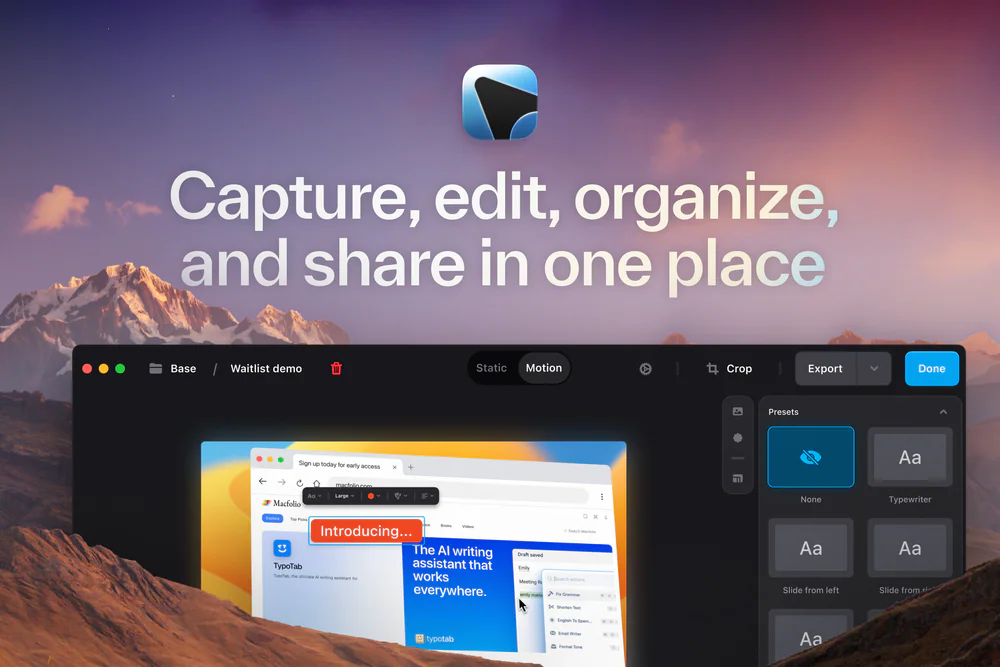
The last Screenshot & Screen Recording Tool You'll Need
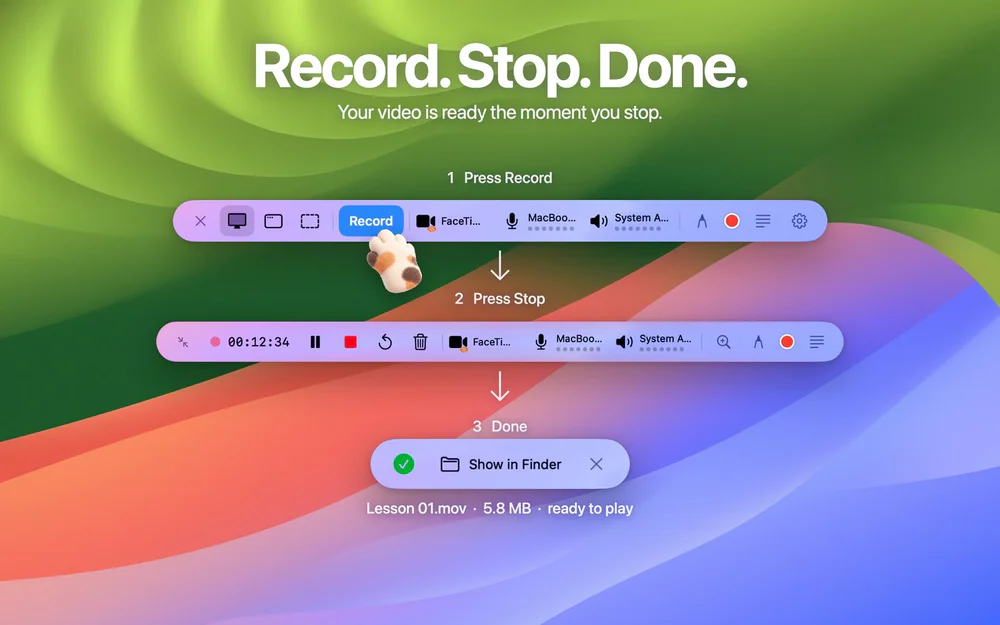

4.1 MB native Swift screen recorder for macOS — zero export wait, live pen, magnifier, 3D cat paw cursors & stealth teleprompter.
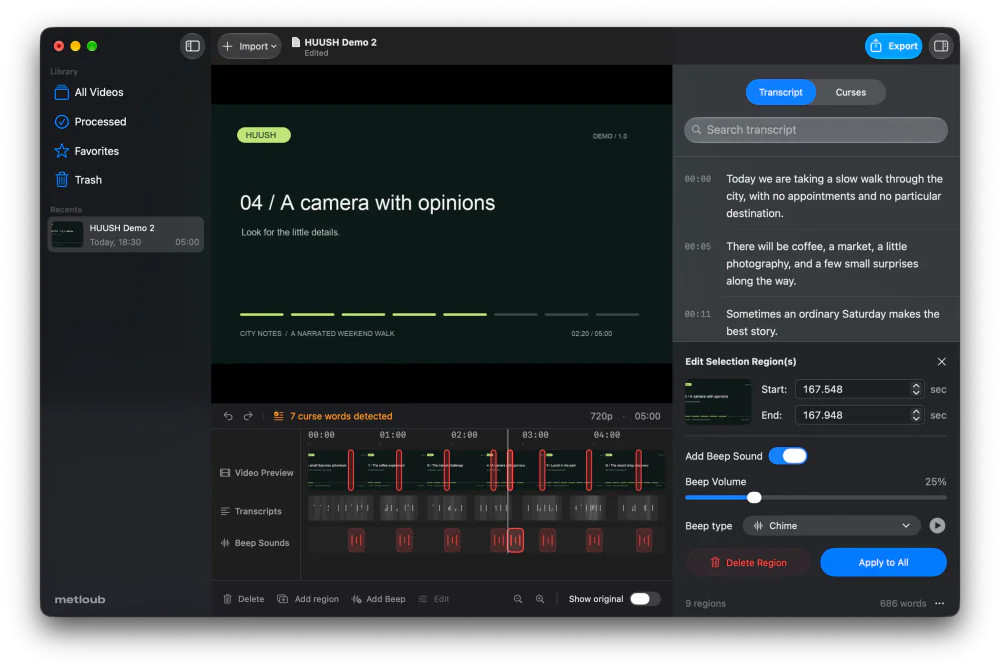

Review and censor profanity in recorded videos on your Mac, with local speech processing and beep, silence or custom sound.