Productivity · $19 · one-time (One-time, free for 14 days)
Ledge turns your Mac's notch into a shelf. Drag a file up, let go, and hand it to any app later as the right kind of thing.

Take control of your screen time on Mac
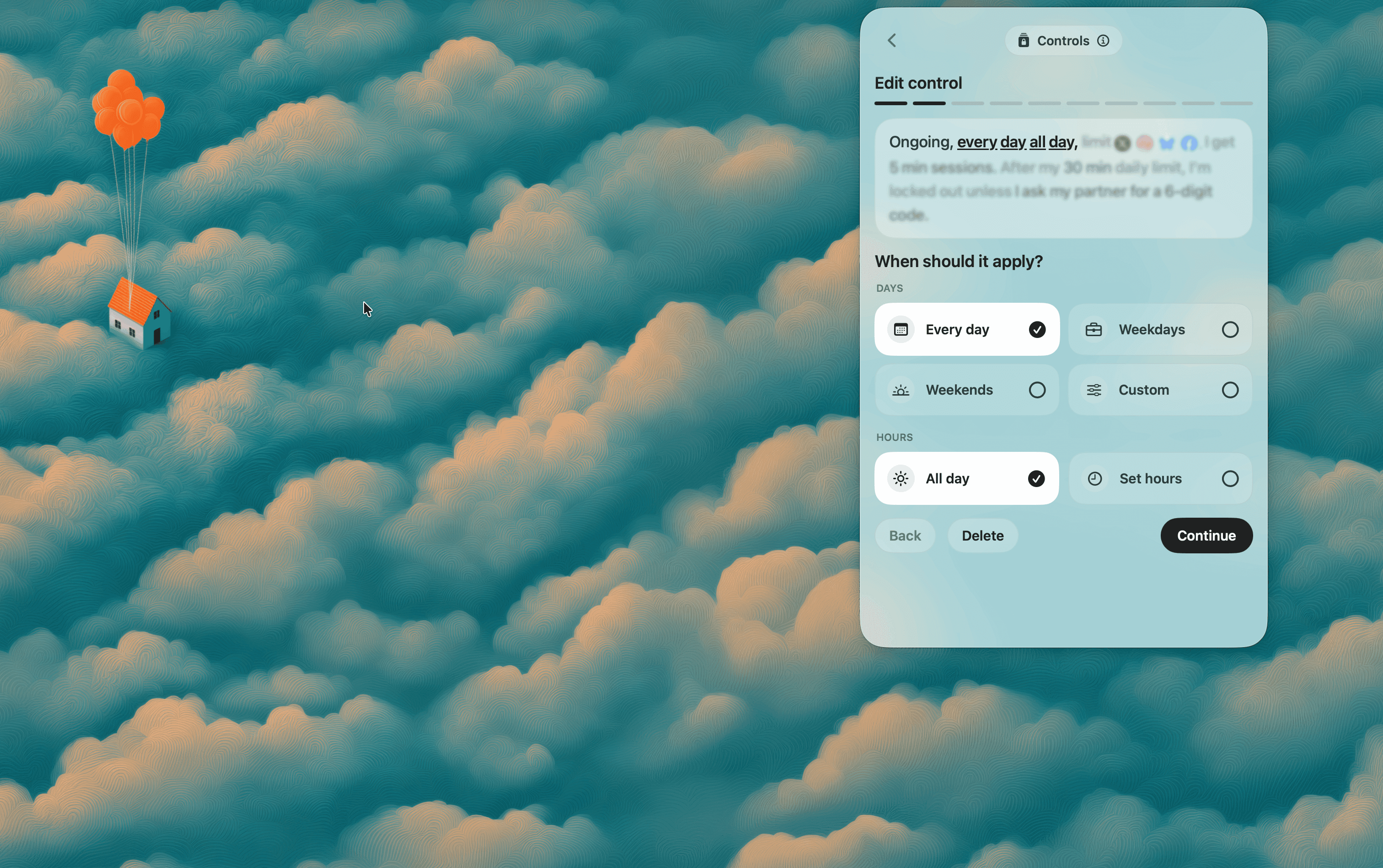
LightScroll helps you take control of distracting websites on Mac. Set when your limits apply, choose how much time to allow and add a deliberate pause before browsing. When you reach a limit, continuing can require a wait or your accountability partner's six-digit code. Track your commitments with streaks and XP, and compare progress with friends. Download the Mac app from the LightScroll website and start with the free Basic plan.
Productivity · $19 · one-time (One-time, free for 14 days)
Ledge turns your Mac's notch into a shelf. Drag a file up, let go, and hand it to any app later as the right kind of thing.

Productivity · $12 · one-time (One-time, free 24-hour trial)
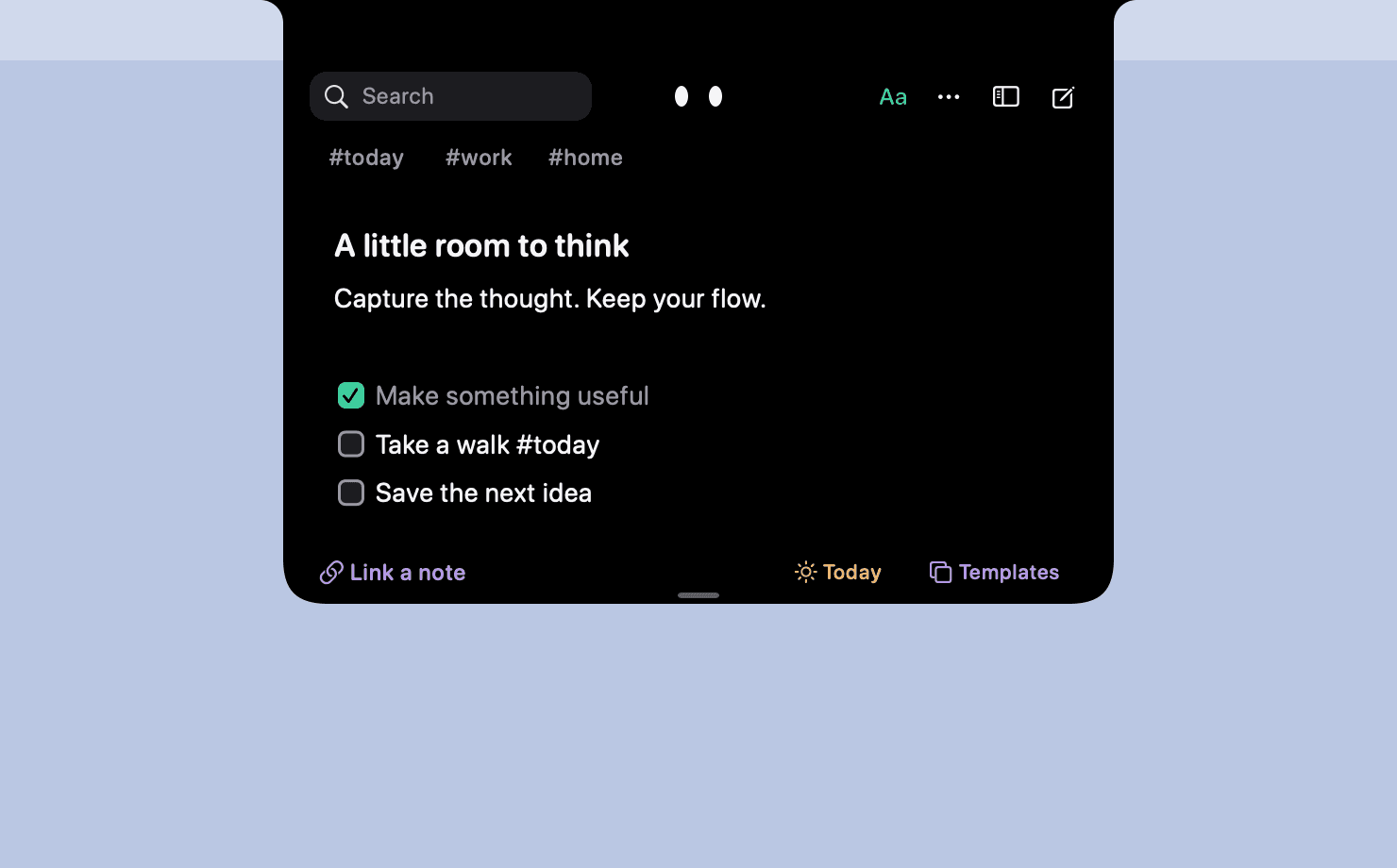
Catch a thought without leaving what you are doing. Notes, checklists and a little companion in your Mac's notch.
Productivity · $9 · one-time (One-time, two free receipts)
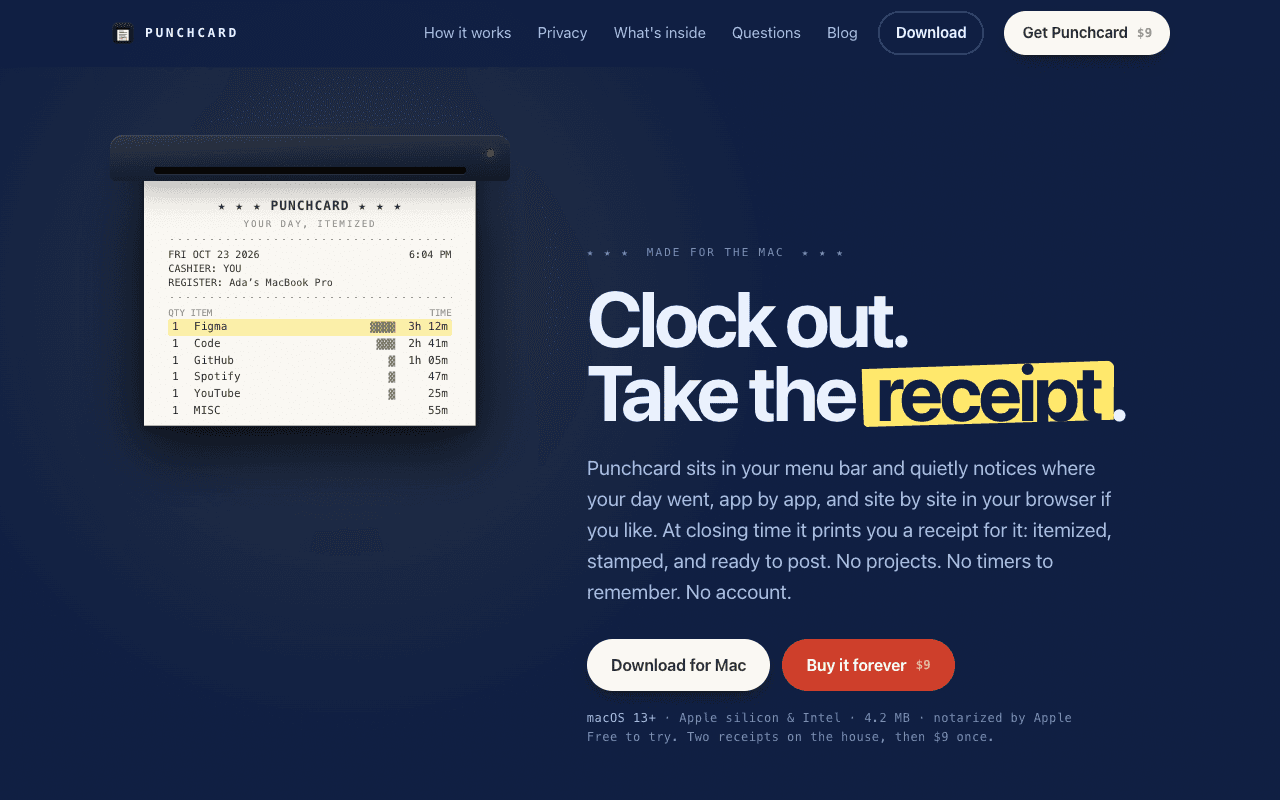
A Mac menu bar app that notices where your day went, app by app, then prints you a receipt for it at closing time.

Productivity · $9.99 · one-time (5 days free trial)
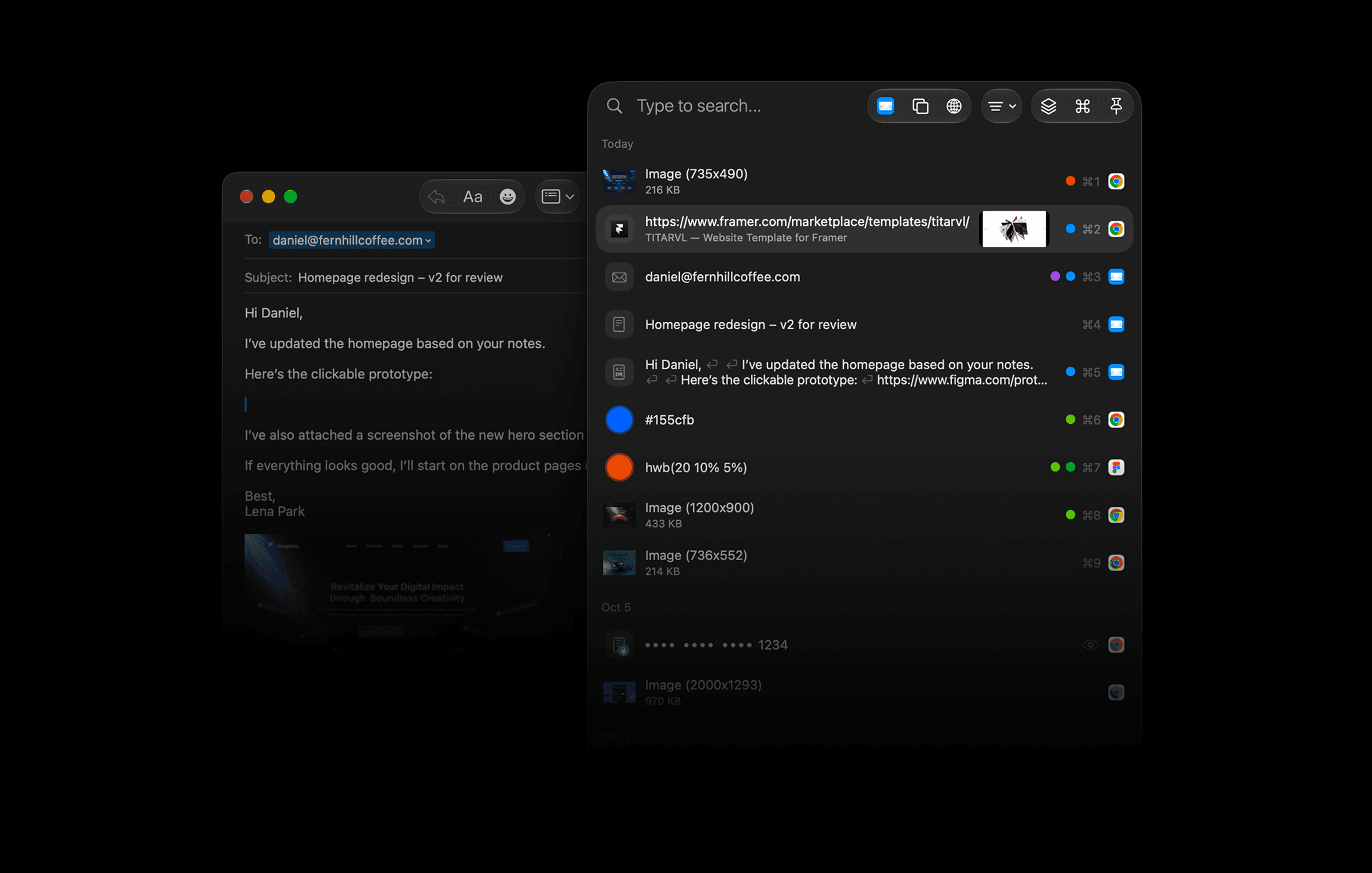
A powerful clipboard history for advanced Mac users. Keep, organize, find, and reuse everything you copy.
Productivity · $4.99 · one-time (Launch price for the first licences, covers all future tools)
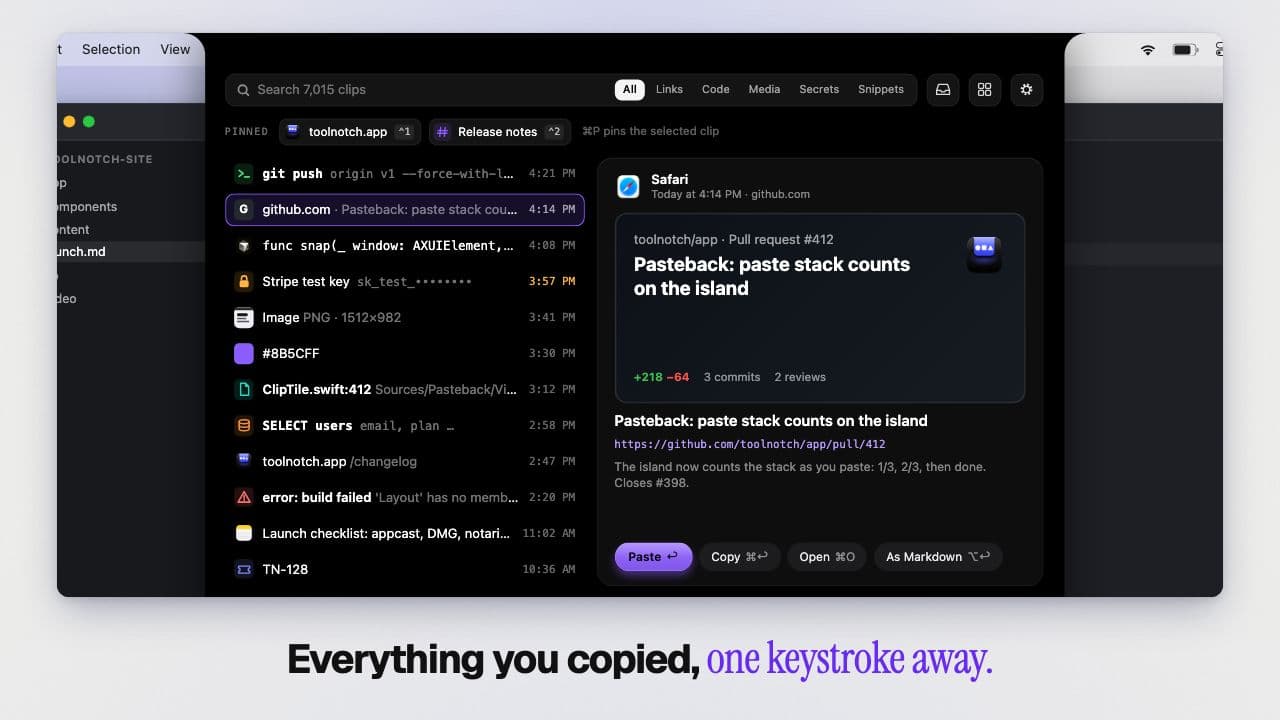
Turns your MacBook notch into a toolbox: window snapping, clipboard history, break reminders and keep-awake in one native app.
Productivity · Free & open source
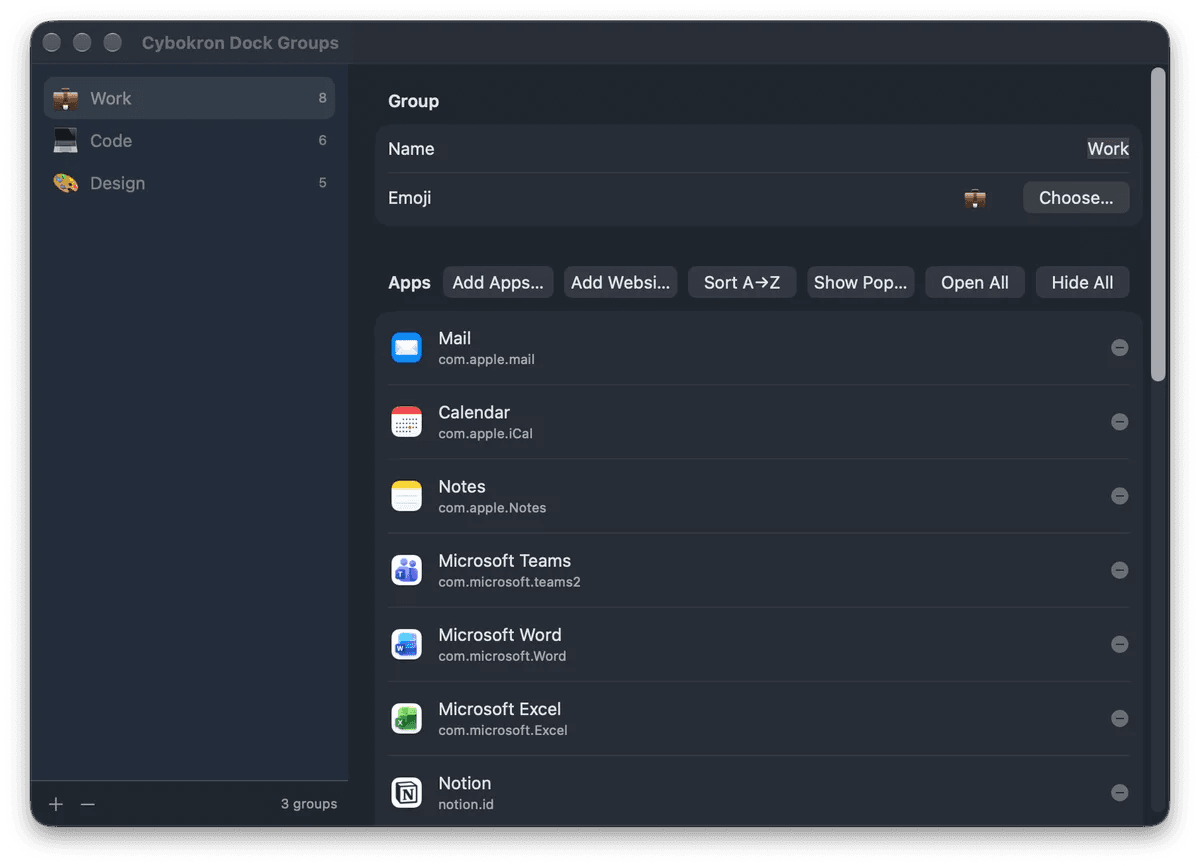
Group apps and websites on macOS, open, hide or quit a group, and give each group its own Dock icon.