
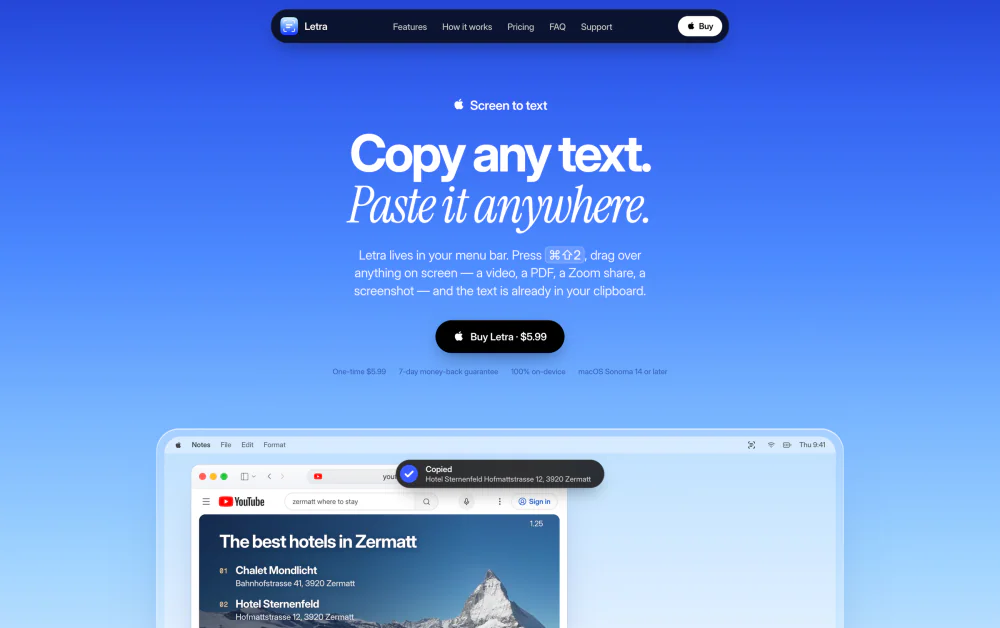
Copy the text you cannot select. Videos, scans, slides, and screen shares.
Utilities
Lift
Draw a box around any text on screen and it's copied. Works on video, images and locked apps, with on-device OCR.
Paidby desktopgoods.app
Lift copies text from anything you can see on your Mac. Press ⇧⌘2, drag a box over a video frame, a screenshot, a PDF scan or an app that won't let you select, and the text is on your clipboard.
- Recognition runs on your Mac with Apple's Vision framework. Nothing is uploaded.
- Keeps line breaks, or joins lines into one paragraph if you prefer.
- Native Swift, about 2 MB, lives in the menu bar.
- No account, no subscription. $4.99 once, for 3 Macs, with a 30 day refund.
Part of Desktop Goods, a set of ten small native menu bar apps.
More like Lift
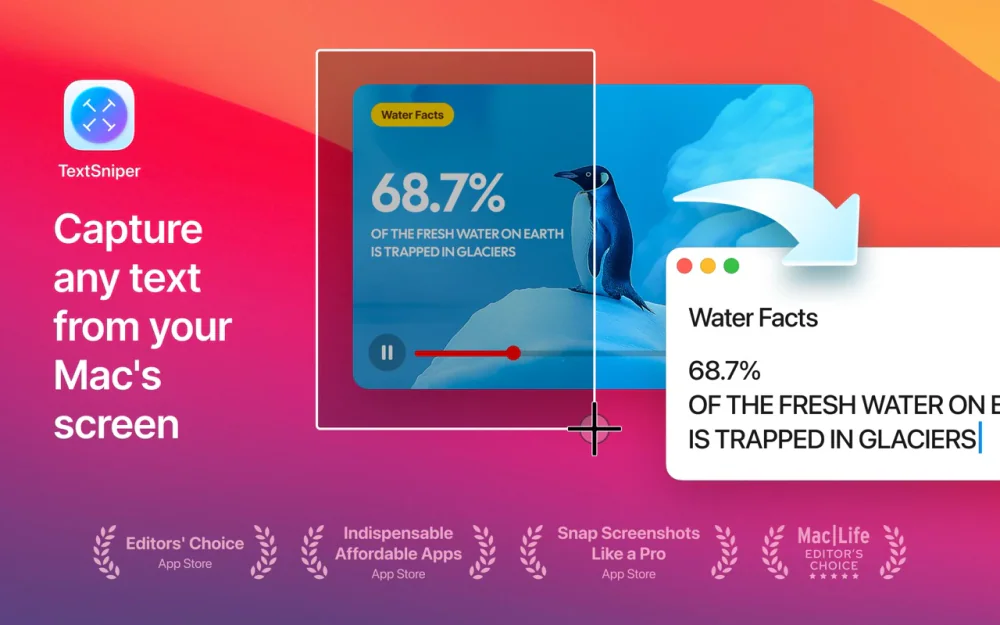

Drag a box over anything on screen — an image, a PDF, a video frame, an app that blocks copying — and the text inside it lands on your clipboard.
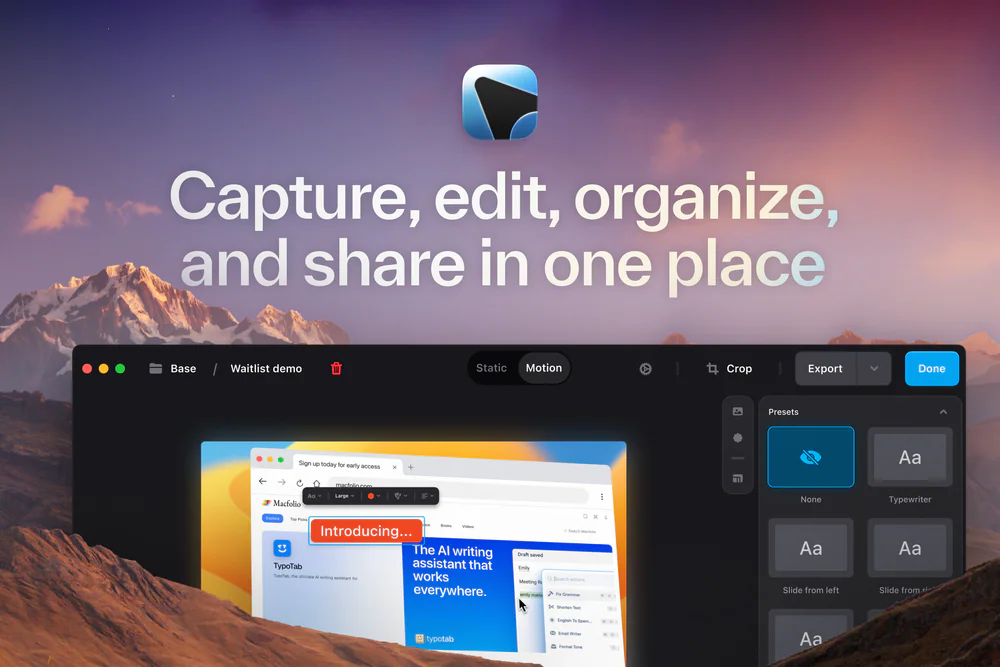

The last Screenshot & Screen Recording Tool You'll Need
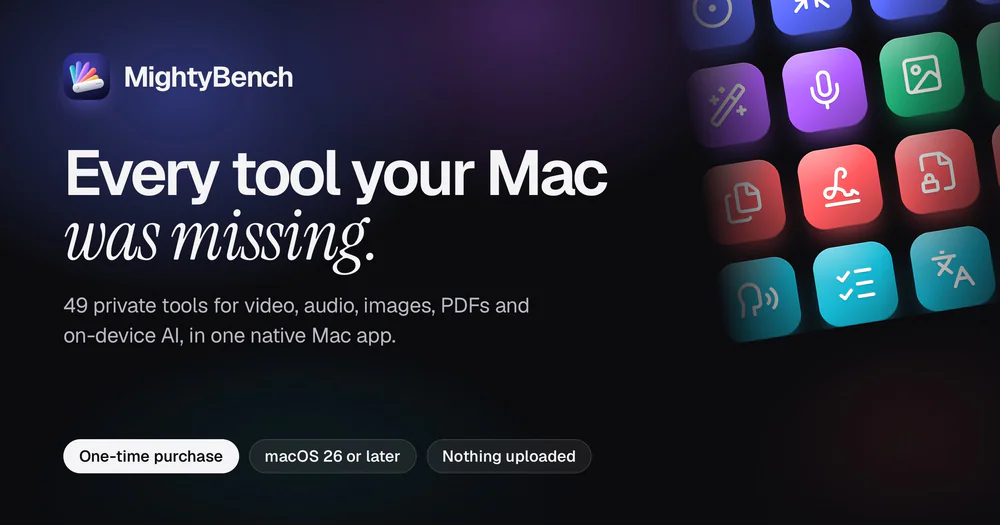
49 private Mac tools for video, audio, PDFs, images and AI. Runs on your Mac, nothing uploaded.
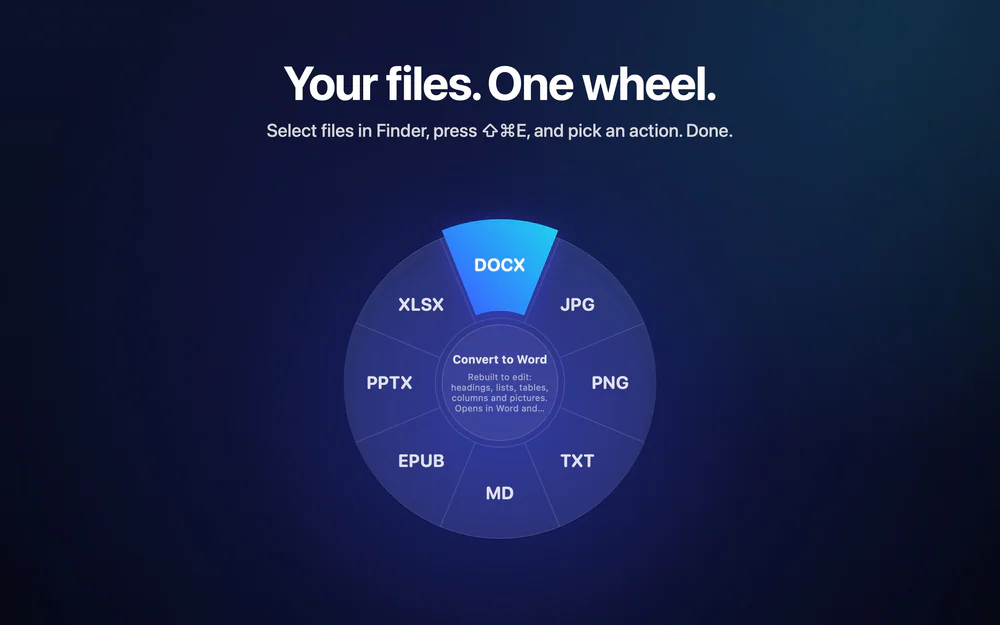

Convert, compress and edit almost any file on your Mac right from Finder, without uploading anything.
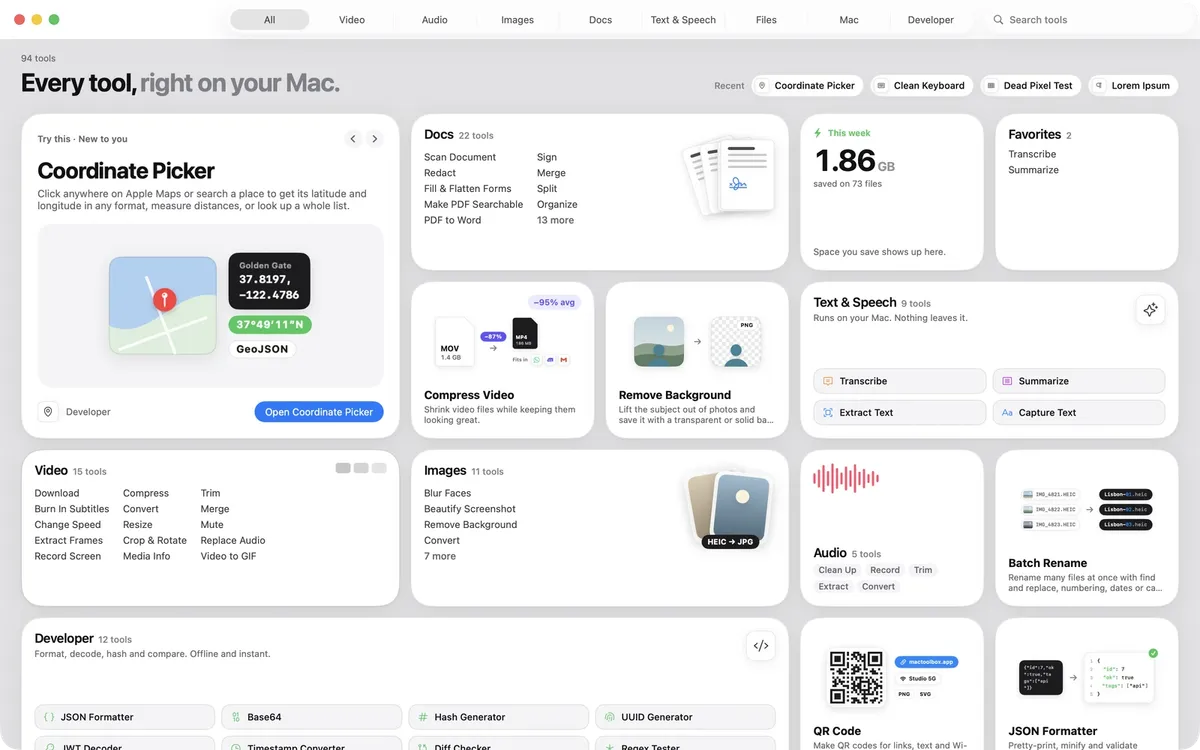
100+ native Mac tools in one app: compress video, sign PDFs, remove backgrounds, transcribe, all offline.