Developer Tools · Free · License, one-time $99
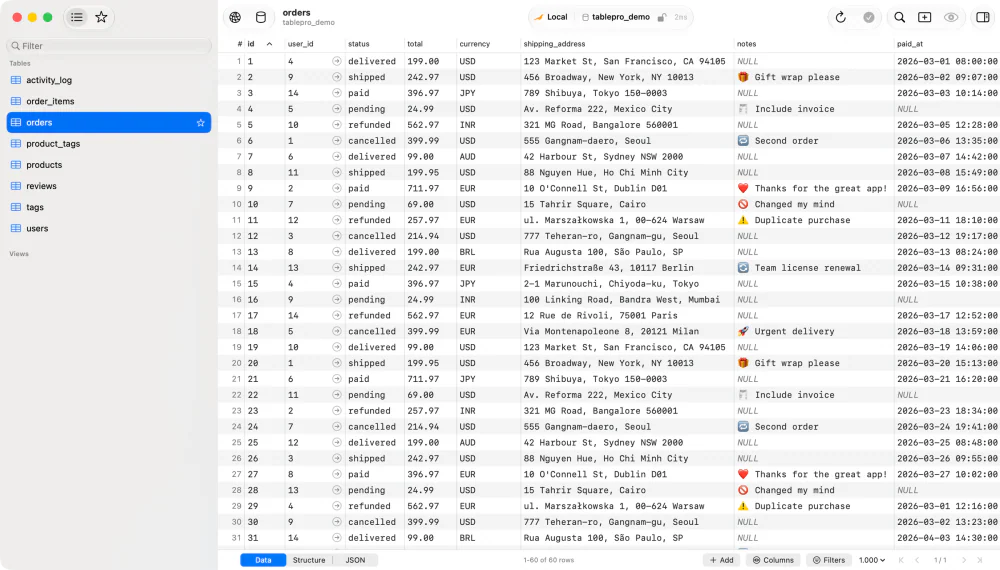
A modern, genuinely native database client — connect to Postgres, MySQL, SQLite, Redis, SQL Server and more in one fast window that actually feels like a Mac app.

One native Mac GUI for 50+ SQL, NoSQL, search and analytics data sources.
SQL, NoSQL, search engines, and cloud analytics. All in one native desktop app.
DBeard is a modern database GUI for macOS and Linux, bringing 50+ databases and data services together in one clean, intuitive workspace.
Whether you're managing PostgreSQL in production, browsing Firestore documents, exploring Algolia search indexes, or analyzing data in BigQuery, DBeard lets you work across your entire data stack without constantly switching between different applications.
DBeard goes far beyond traditional SQL clients, supporting relational databases, document stores, search engines, cloud warehouses, and more.
And many more integrations, with database-specific functionality designed around each engine's capabilities.
DBeard combines powerful database functionality with a familiar desktop interface.
Features adapt to each database engine, providing a consistent interface without treating every database as if it worked the same way.
Modern applications rarely use just one database.
You might have PostgreSQL for application data, Redis for caching, Firestore or MongoDB for documents, Algolia or Elasticsearch for search, and BigQuery, ClickHouse, or Snowflake for analytics.
DBeard brings all these technologies together in a single workspace, making it easier to explore data, debug applications, and move between different environments.
DBeard delivers a dedicated desktop experience with a clean interface, familiar interactions, and keyboard-friendly workflows.
Available now:
Windows support is planned.
Start using DBeard for free with one database connection and two tabs.
When you need more, choose between a one-time lifetime license and an optional subscription.
No recurring subscription is required when purchasing the lifetime license.
Explore DBeard | Download DBeard
🏴☠️ All your databases. One fast ship.
Developer Tools · Free · License, one-time $99
A modern, genuinely native database client — connect to Postgres, MySQL, SQLite, Redis, SQL Server and more in one fast window that actually feels like a Mac app.
Developer Tools · Free · open source · $59 lifetime $24
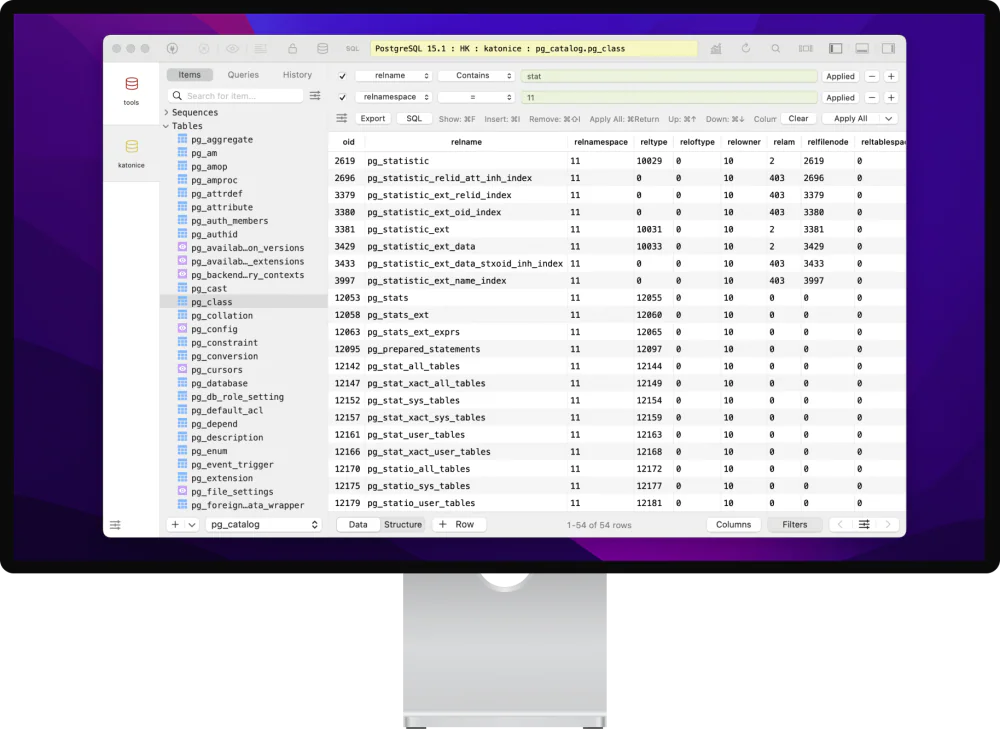
A free, open-source native database client for macOS supporting 29 database engines, with a SQL editor, inline-editable data grid, and a built-in AI assistant.
Developer Tools · Free & open source
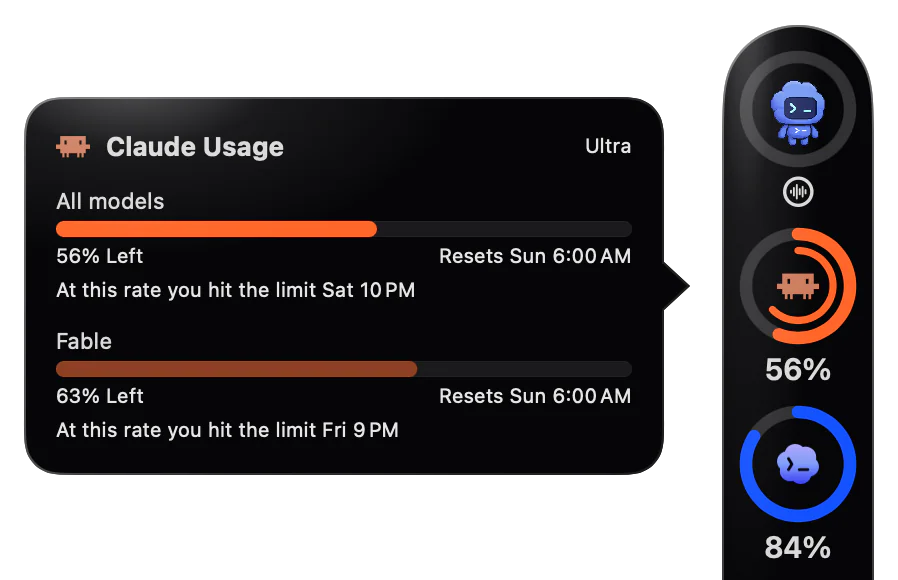
Floating usage rings for Claude, Codex, Grok and Antigravity, plus a Codex pet, battery alerts and break reminders.
Developer Tools · Free · Free tier; optional Pro subscription via the Mac App Store.
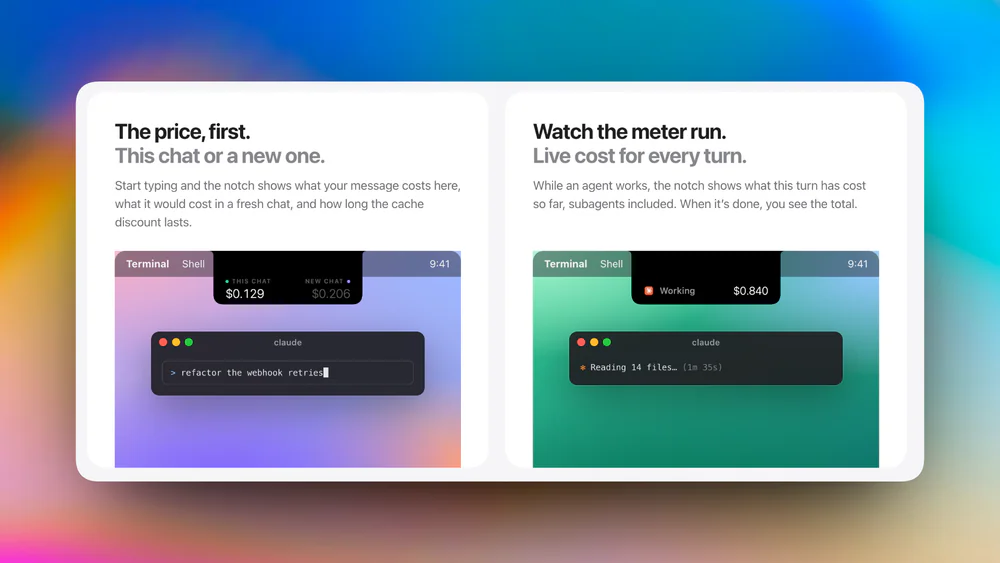
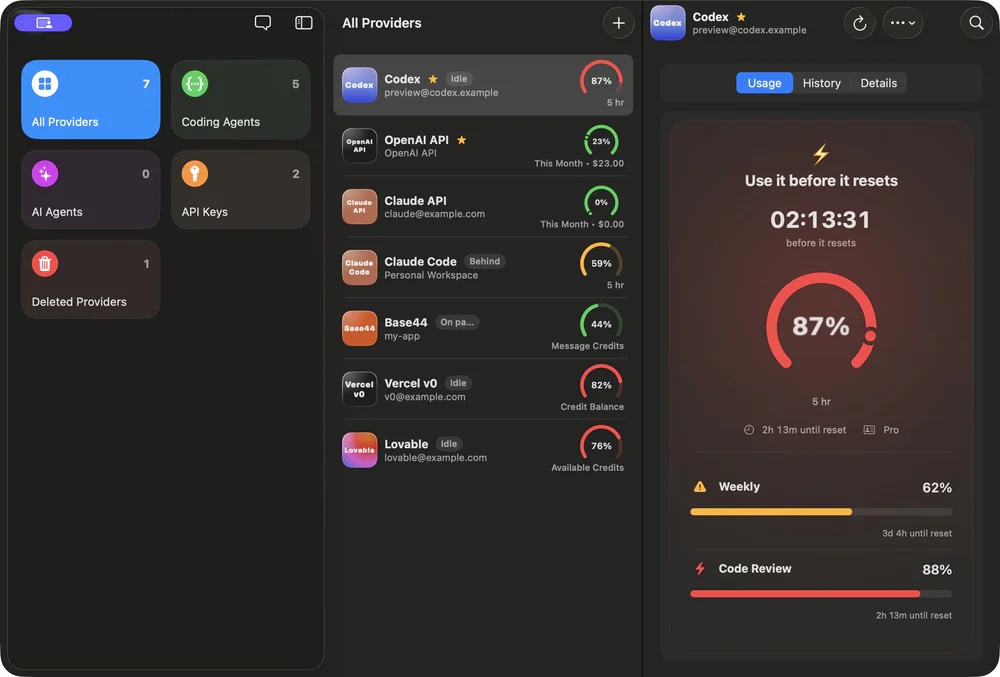
Track Claude Code, Codex and API usage, limits and reset times in a native Mac app.
Developer Tools · Free · Free essentials; 14-day Pro trial; $19 USD one-time Pro for two Macs. No subscription. $19
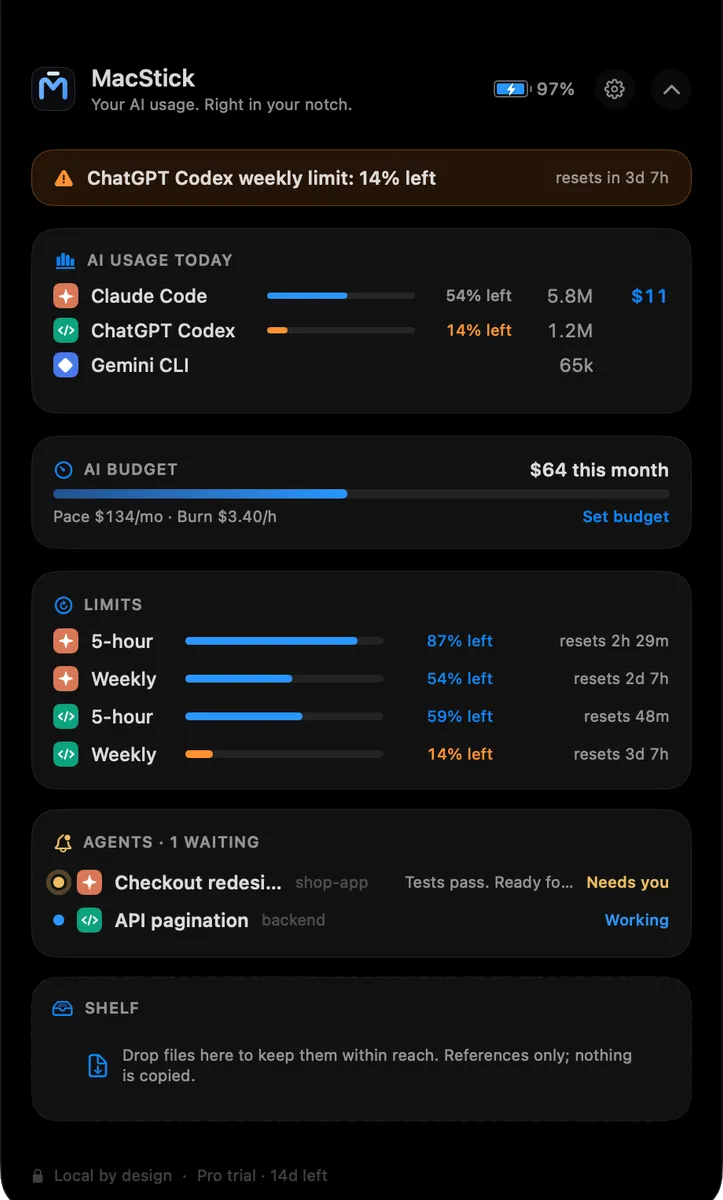
Track Claude Code, Codex and Gemini CLI usage in a Dynamic Island-style dashboard for Mac.