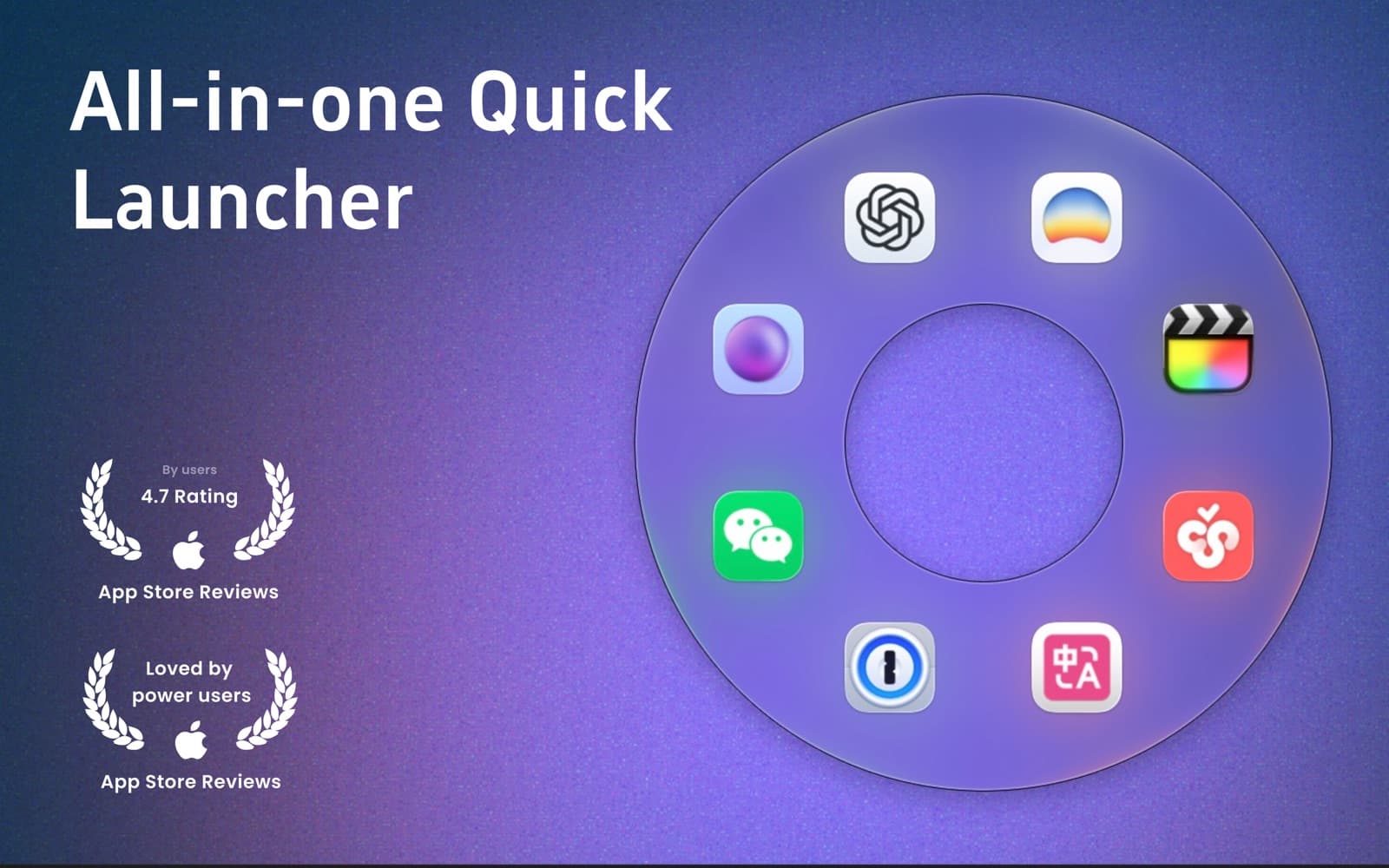
Utilities · $5.99 · one-time (7-day trial, then lifetime unlock)
Circular macOS launcher: gesture-open an orbit of apps, files, folders, and sites.
Compare Tinycast, SuperCmd and Vicinae as Raycast alternatives, plus gesture launchers. Check extension support, import limits and macOS compatibility.
5 apps · Updated
The closest Raycast alternatives for Mac in this shortlist are Tinycast, SuperCmd and Vicinae. Start with Tinycast for a free command palette, SuperCmd for a paid Swift launcher with a broad toolset, or Vicinae for an open-source extensible launcher. If you mainly want to open a few favorite apps with a gesture, compare Fling and OrbitRing instead.
| App | Choose it for | What to check before switching |
|---|---|---|
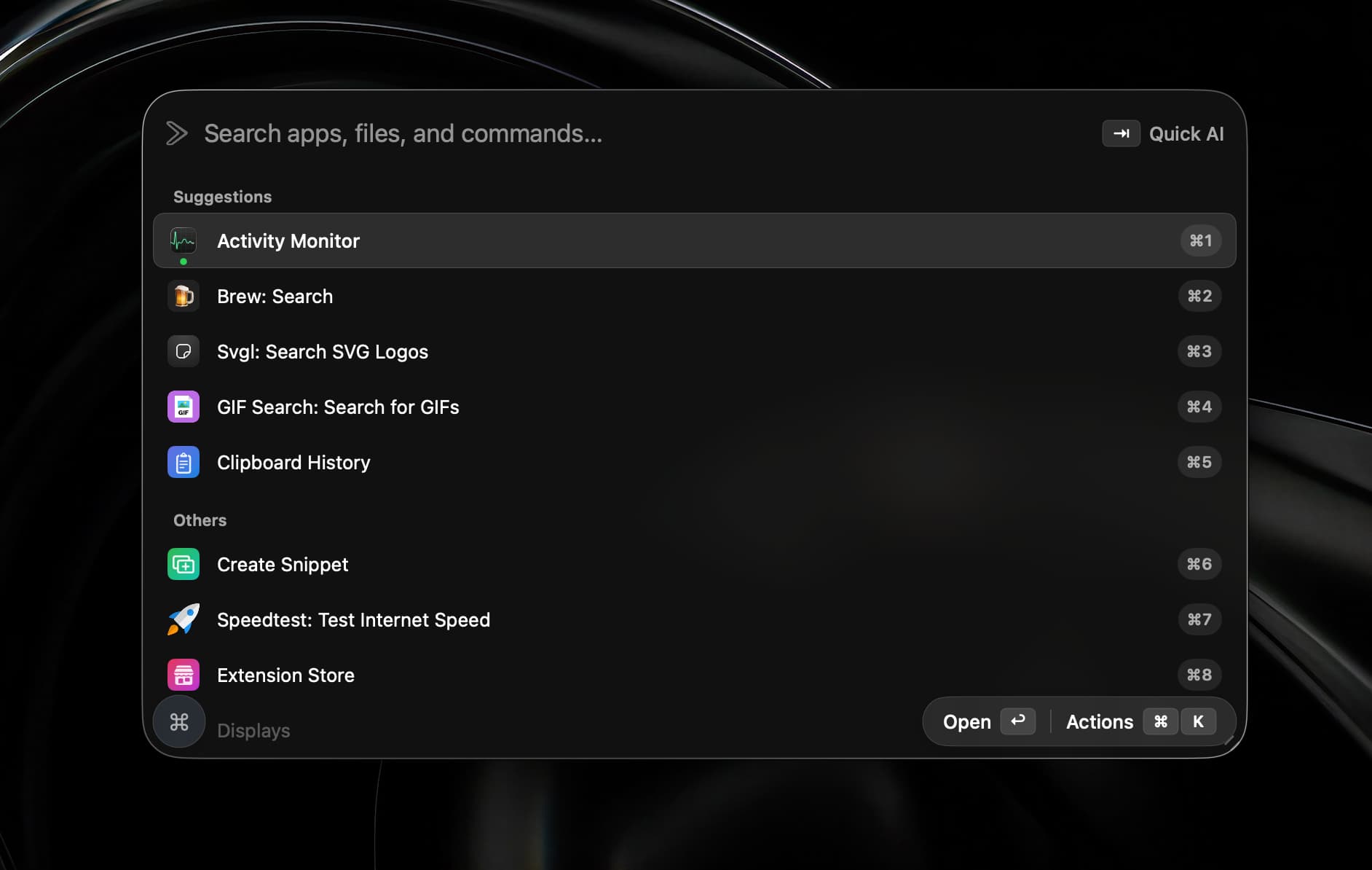
 Tinycast | A free, open-source launcher with clipboard history, snippets, window commands and Raycast extensions. | macOS 26+, Apple silicon and Intel. Its import reads Raycast v2 .rayconfig files; v1 files are not supported. |
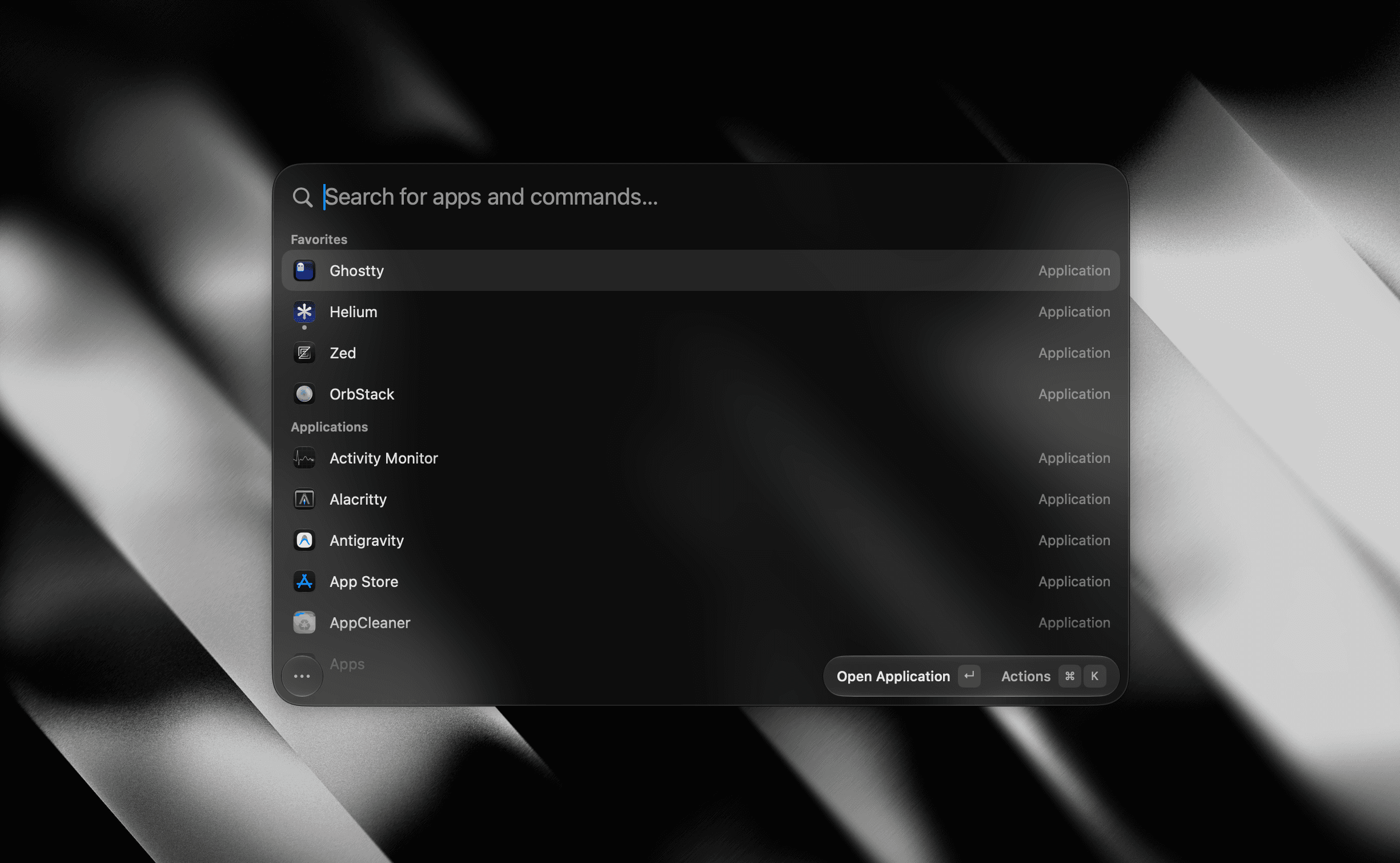
 SuperCmd | A command palette with extensions, dictation, AI tools and window management. | Paid v2 with a seven-day trial. Requires macOS 26+. Extensions using Raycast-managed authentication are not yet supported. |
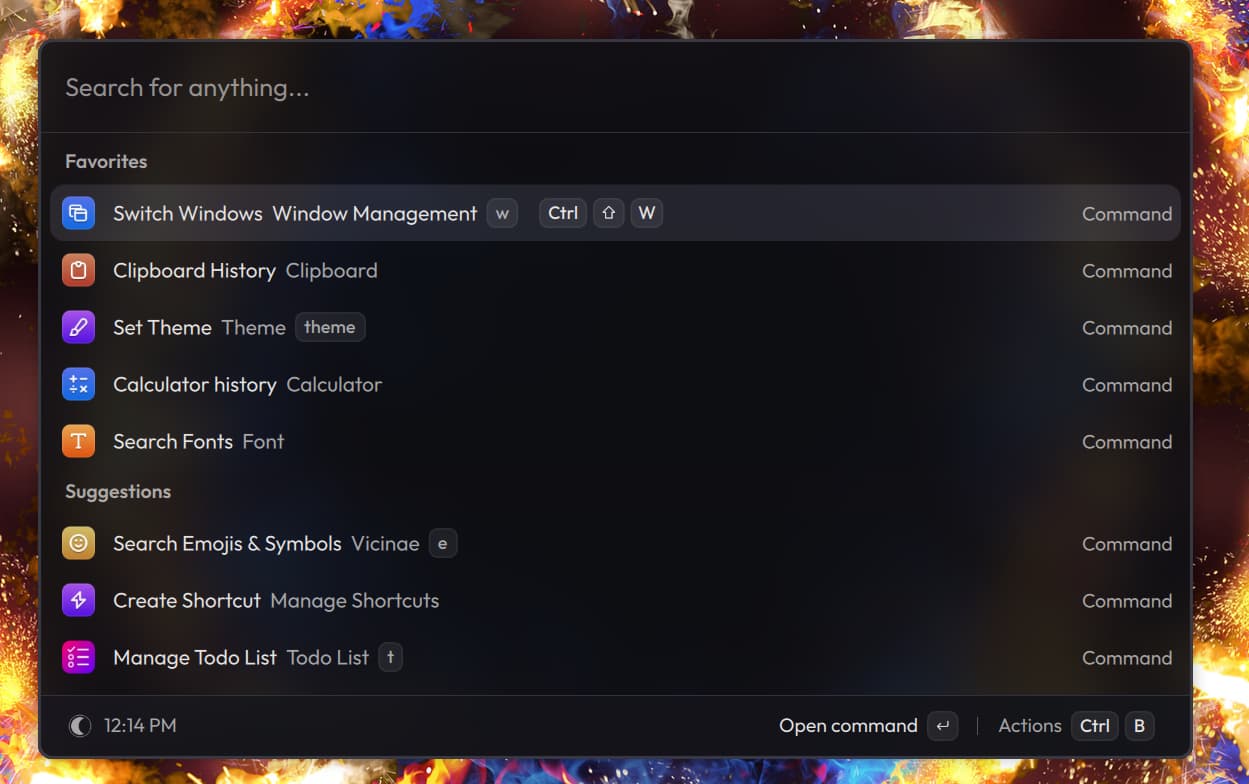
 Vicinae | An open-source launcher that runs many Raycast extensions and script commands. | Free and open source. Verify the current Mac download and each essential extension; compatibility is not a promise that every integration works. |
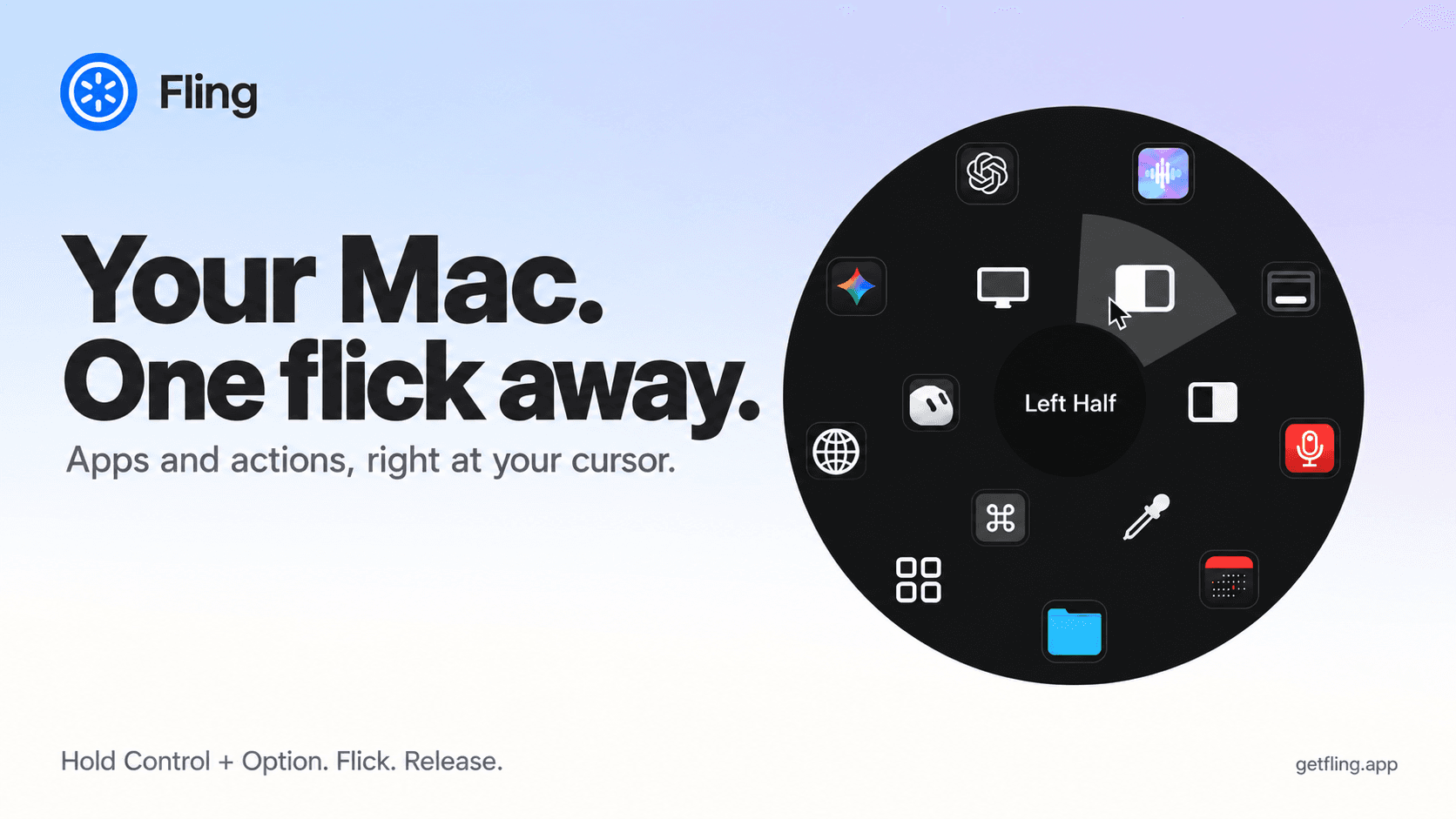
 Fling | A cursor-centered wheel for favorite apps, folders, shortcuts and system actions. | Paid gesture launcher, designed for Apple silicon. A different way to trigger common actions, rather than a full command-palette replacement. |
| OrbitRing | A circular launcher for apps, files, folders and sites. | Seven-day trial, then $5.99 lifetime unlock. Choose it for launching, not as a substitute for Raycast's extension ecosystem. |
Raycast itself has a free plan. Switching solely to avoid a Pro subscription only helps if the alternative covers the paid features you actually need.
Utilities · $5.99 · one-time (7-day trial, then lifetime unlock)
Circular macOS launcher: gesture-open an orbit of apps, files, folders, and sites.
Utilities · $4.99 · one-time (14 day refund policy)
A native macOS command ring for launching apps, folders, links, shortcuts, window actions, screenshots and more with a quick flick.
Productivity · Free & open source
A tiny, fully native macOS launcher — fuzzy app search, clipboard history, an inline calculator, snippets, and window management, with no Electron and no telemetry.
AI & Automation · $19.99 · one-time (open source)
A native Swift launcher that bundles Raycast-compatible extensions, on-device dictation, AI chat and agents, window management, and a terminal behind one hotkey.
Utilities · Free & open source
A native C++ command palette — app launcher, clipboard history, calculator, emoji picker, and window management — that runs Raycast extensions without Electron.
Tinycast and Vicinae are the open-source command-palette options in this collection. Compare operating-system support and extension behavior before deciding. SuperCmd v2 is a paid rewrite, so older write-ups of the free v1 no longer describe its license or features.
Sometimes. Tinycast, SuperCmd and Vicinae document Raycast compatibility, with limits that differ by implementation. SuperCmd specifically excludes extensions relying on Raycast-managed authentication. Test the integrations you depend on rather than choosing by an extension-count claim.
For app launching and file search, it may be enough. Recent macOS releases also have clipboard history in Spotlight, so older articles saying Spotlight has no history can be misleading. Compare what your own macOS version offers before adding another utility.
We have not run a controlled benchmark. Vendor memory figures can use different machines, extensions and workloads. Try the same tasks on your Mac and check Activity Monitor if resource use is the reason you are switching.
For clipboard-first choices, see Paste alternatives. For window placement, see Magnet alternatives.
Developer information checked 4 November 2026. This is a researched comparison, with no independent speed or memory ranking.