Productivity · $1.99 · one-time (One-time purchase on the Mac App Store. No subscription.)
A paper-roll to-do list for your Mac. Write tasks, slide the cutter, and tear off each sheet when you’re done.
Sticky notes and checklists tucked into the edge of your Mac
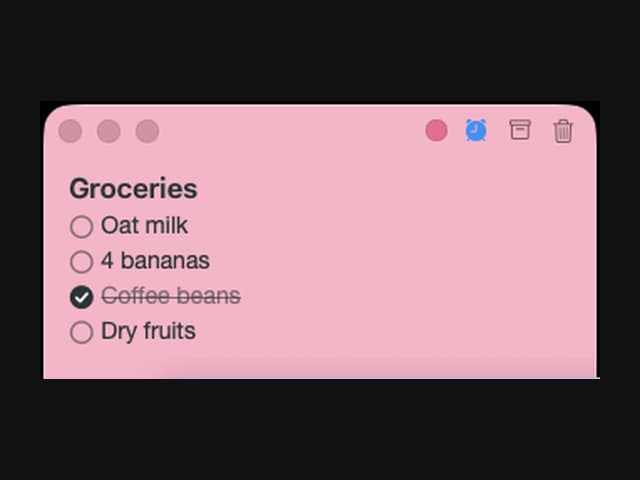
I used paper sticky notes to keep little reminders beside my work. But I wanted those notes with me wherever I went—at another desk, while travelling, or anywhere I opened my laptop. Notes on a wall could not come along.
So I asked myself: why not make sticky notes that stay at the edge of my Mac? That is how Sideleaf was born.
Hover to peek at a note, click to write, then move away and it tucks back into the screen edge. It keeps quick notes, checklists and reminders beside what I am doing. I also wanted to rely less on disposable paper sticky notes.
Sideleaf is a native Mac app for macOS 26 or later. Your notes stay on your Mac, with no account required. Try every feature free for 7 days, then unlock editing with a one-time purchase. No subscription. Existing notes remain readable, searchable and exportable after the trial.
Would keeping notes at the edge of your laptop fit the way you work? I would love feedback on the interaction.
Productivity · $1.99 · one-time (One-time purchase on the Mac App Store. No subscription.)
A paper-roll to-do list for your Mac. Write tasks, slide the cutter, and tear off each sheet when you’re done.
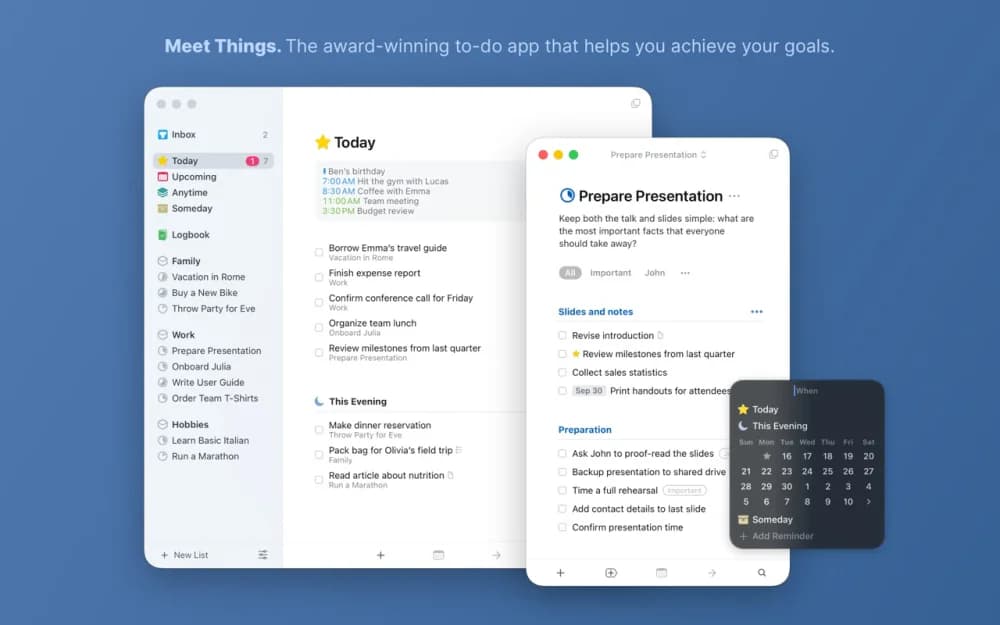
Productivity · $34.99 · one-time
The task manager other task managers are measured against — a two-time Apple Design Award winner built on calm typography and zero friction.
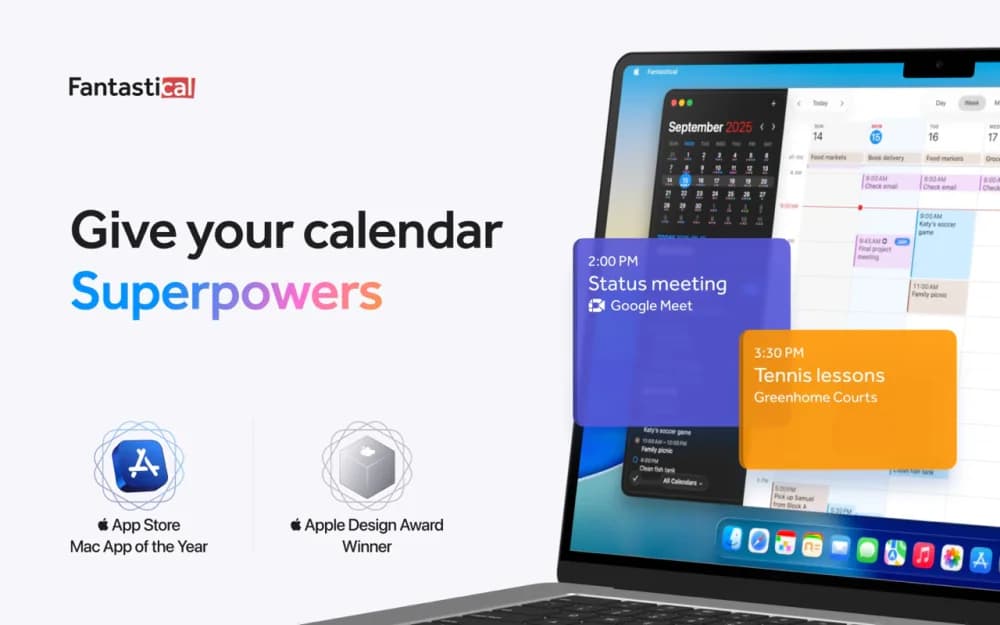
Productivity · Free · Flexibits Premium subscription
The calendar app that set the bar for the category — natural-language event entry, a beautiful week view, and every calendar account in one place.
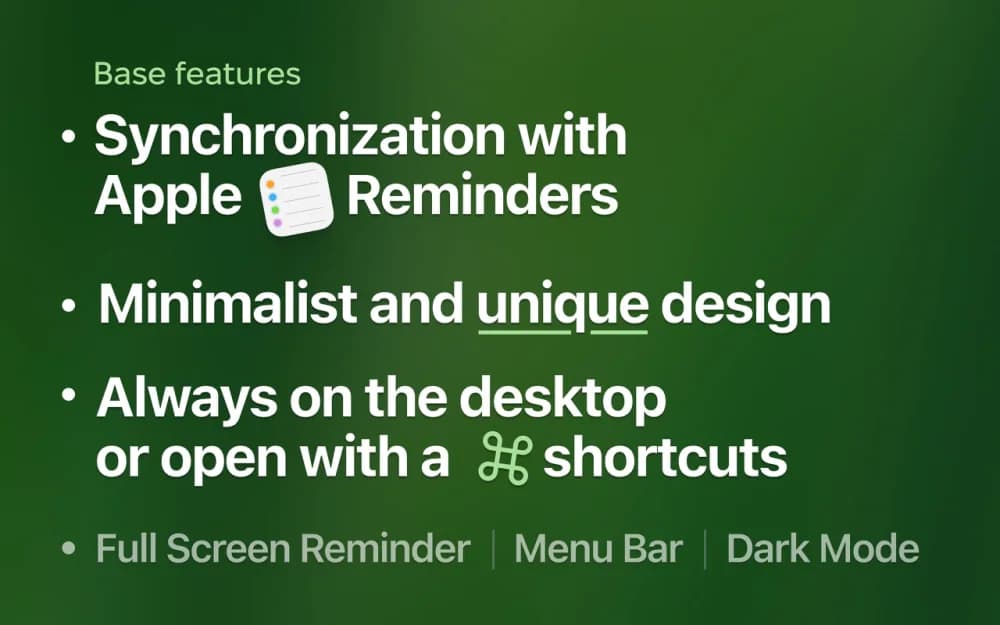
Productivity · Free
One-click reminders and tasks that live on your desktop as small cards, right where you'll actually see them instead of buried in a notification.

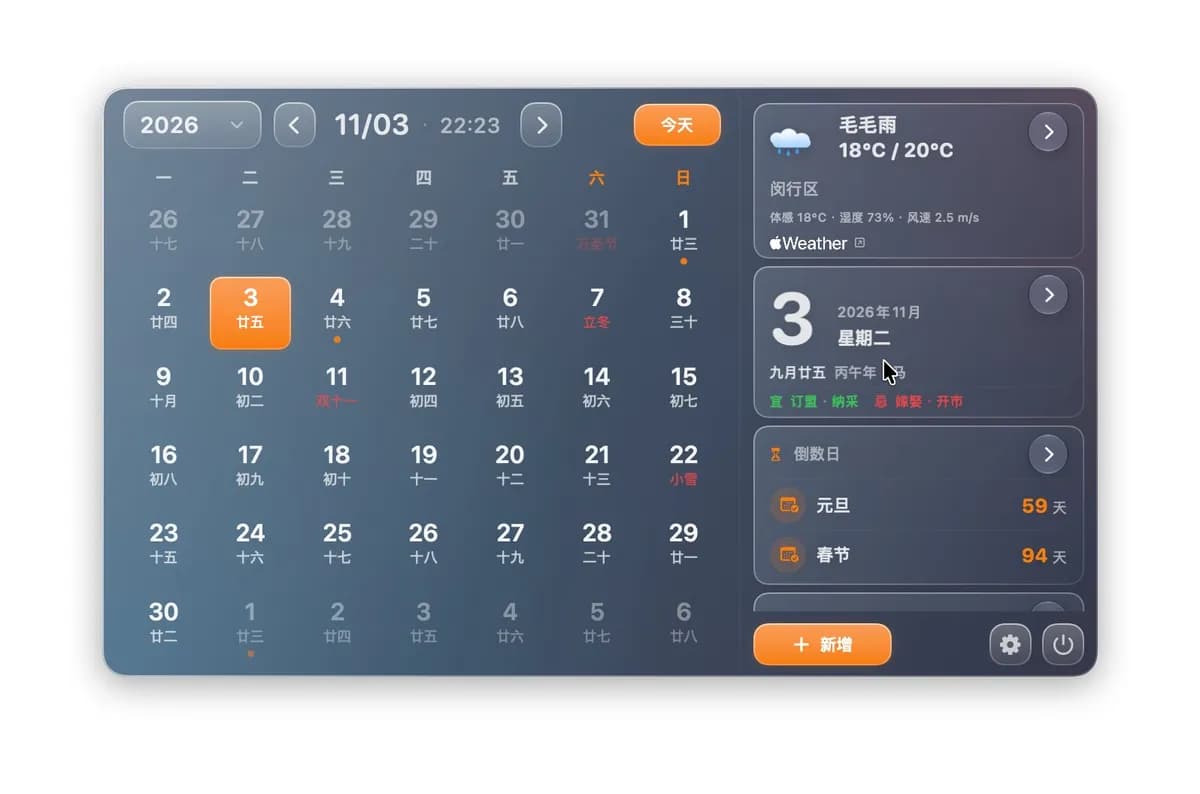
Productivity · Free · Pro
AirCalendar is a native Mac menu bar calendar showing today — date, schedule, to-dos and countdowns — in one small panel.

Productivity · $12 · one-time (Once, for up to 3 Macs; no free trial)
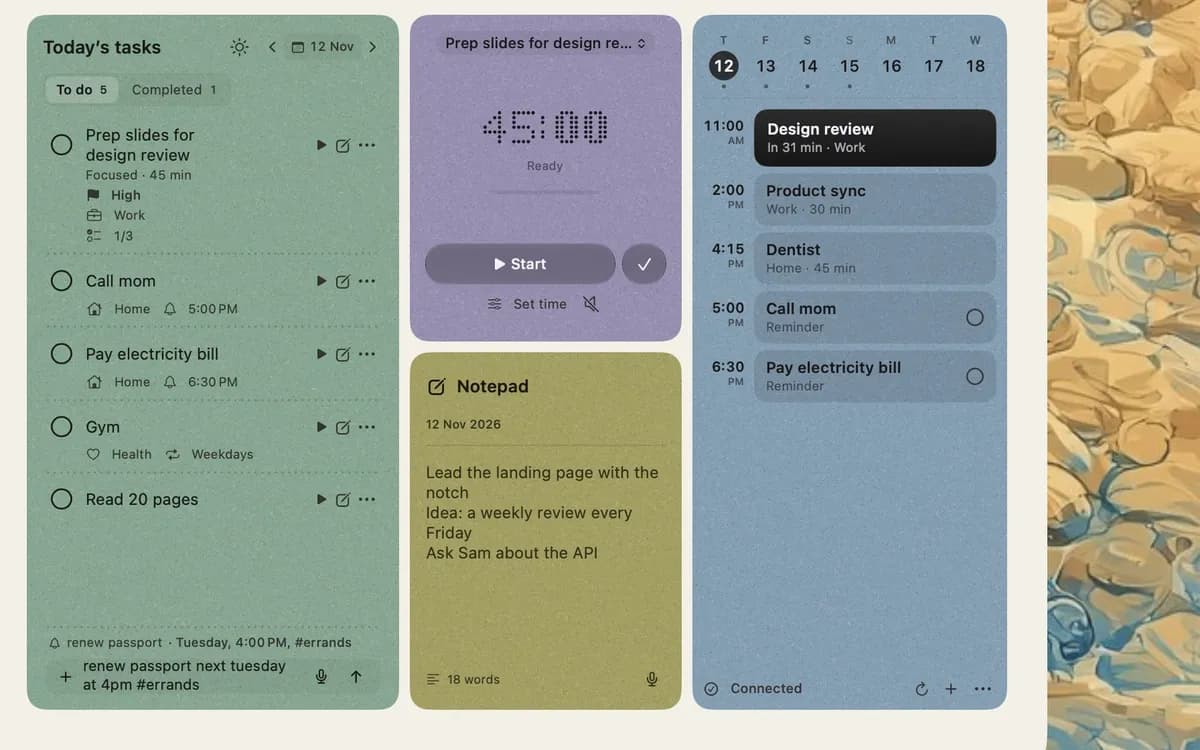
NotchOwl puts today's tasks, a focus timer, notes, reminders and your calendar in the MacBook notch, one hover away.