
Productivity

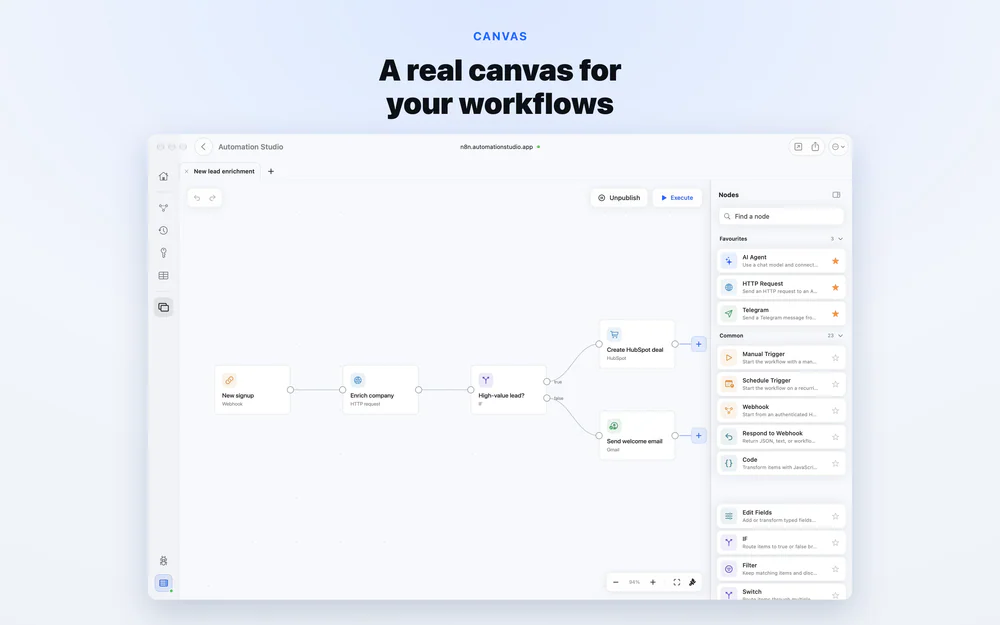
Rulr

Automate your Mac with Rules

Freeby rulr.app

Build visual When If Do rules that automatically react to events, check conditions as needed, and perform specific actions. Describe what you want and build with AI.

More like Rulr

Perch screenshot

Developer Tools · $29 · one-time (One-time $29 licence, with team seats. Free iPhone and Apple Watch companion on the App Store.)

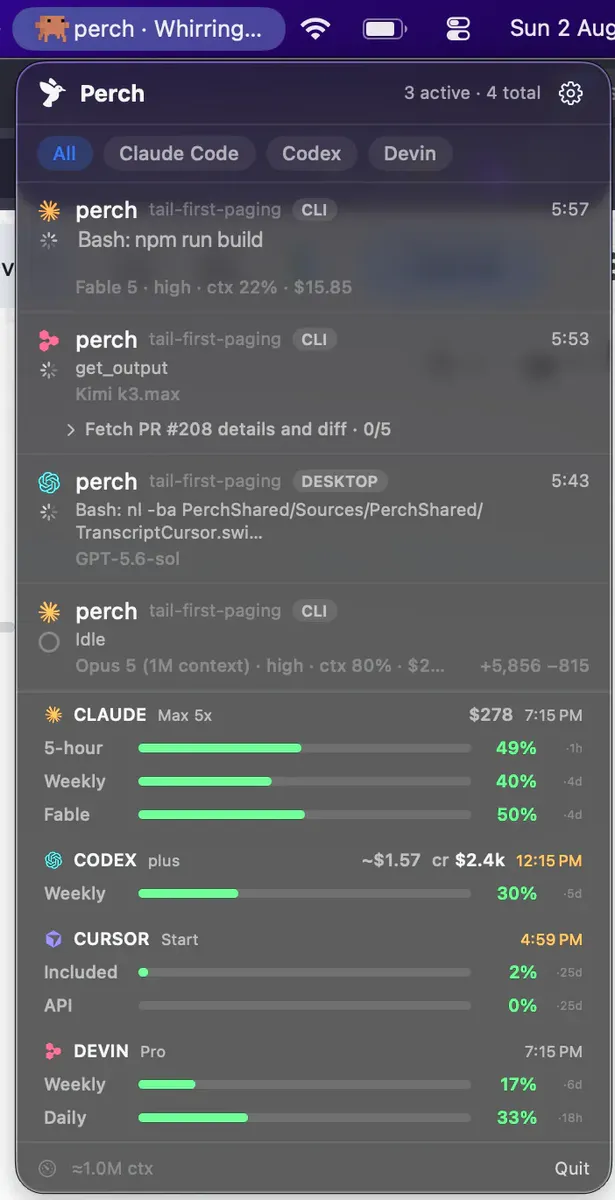
Menu bar app that shows every AI coding agent session on your Mac, and lets you approve their requests from your iPhone or Apple Watch.

40% off: $29 → $17.40 (Black Friday) for members
Lunavect screenshot

Developer Tools · Free & open source

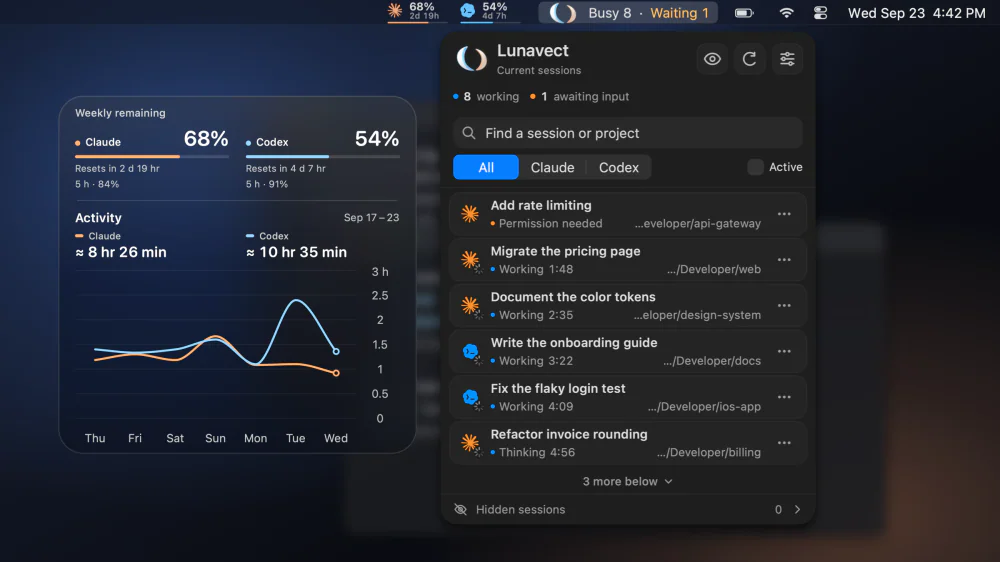
See which Claude Code or Codex session needs you from your Mac menu bar.

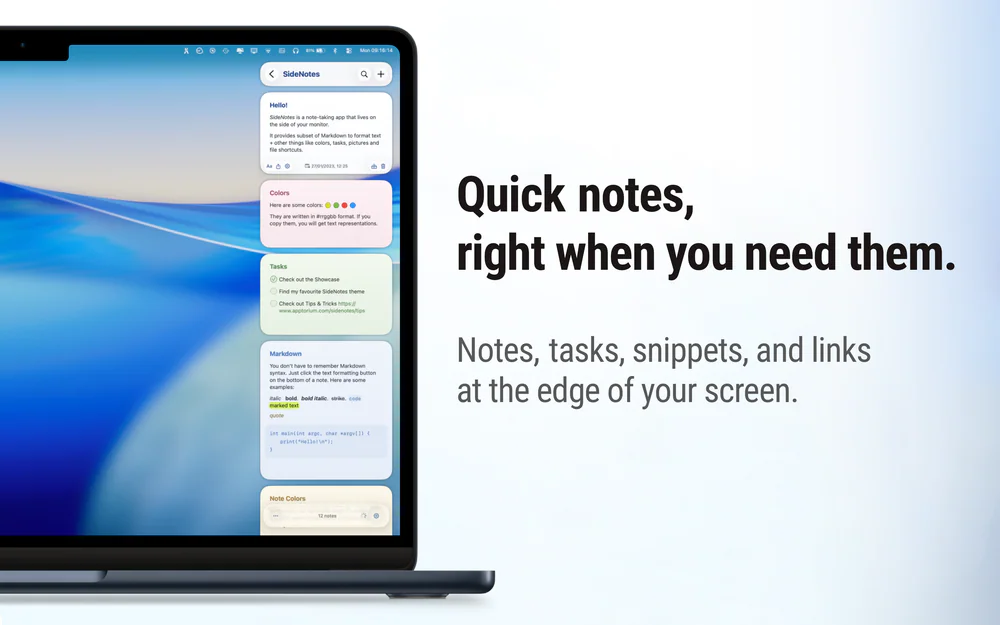
SideNotes screenshot

Writing & Documents · $19.99 · one-time (Paid for major upgrades (for example 1.x -> 2.x))

Native macOS notes that slide out from your screen edge, so you can capture tasks, links, and snippets without leaving your work.

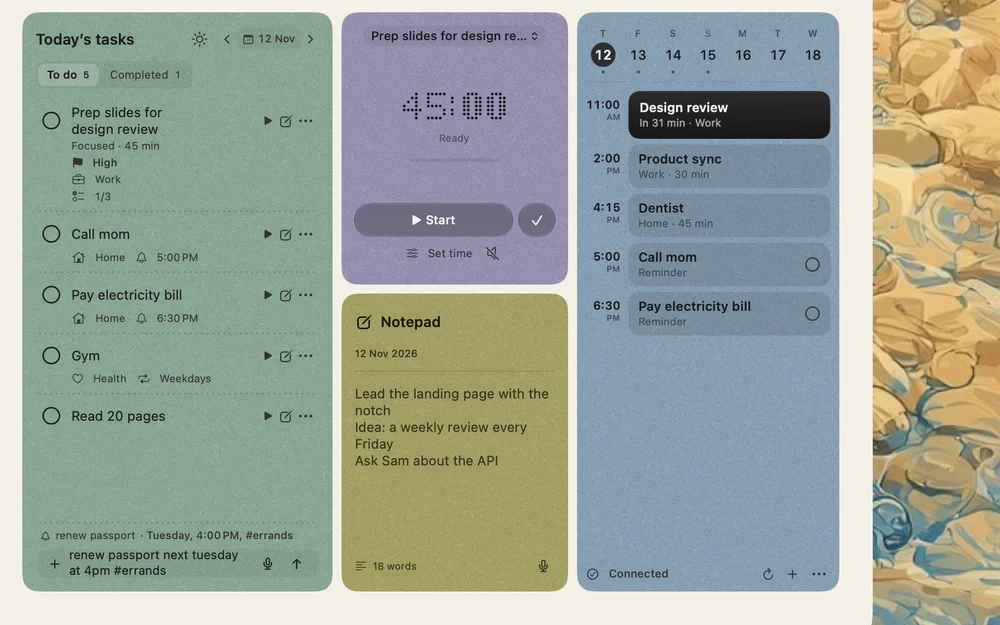
NotchOwl screenshot

Productivity · $12 · one-time (Once, for up to 3 Macs; no free trial)

NotchOwl puts today's tasks, a focus timer, notes, reminders and your calendar in the MacBook notch, one hover away.

Slap Alert screenshot

Productivity · Free · Free, with a 7-day trial of the paid features. Paid upgrades $19

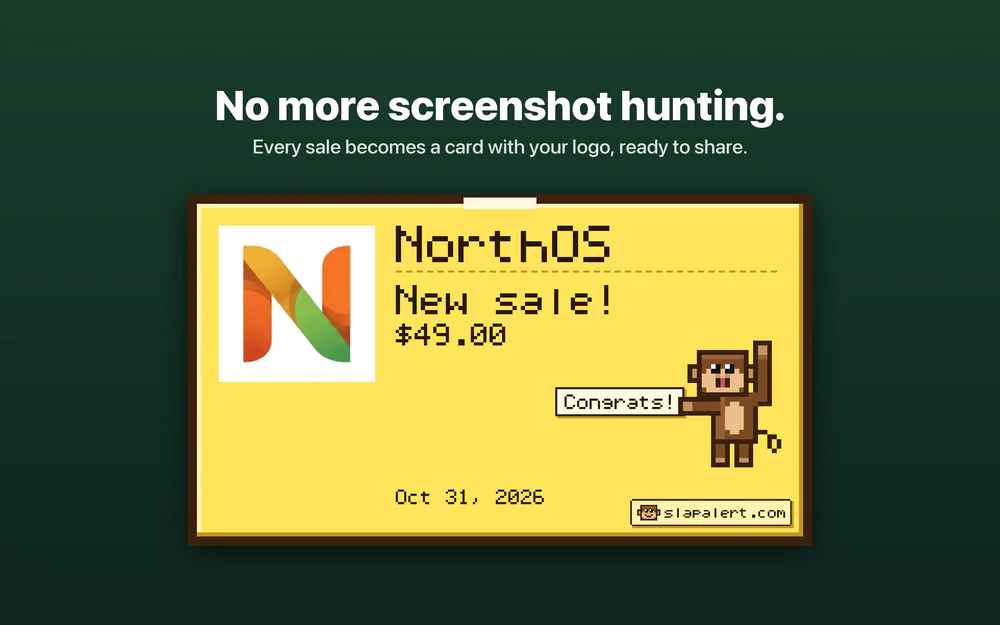
A menu-bar-only Mac app that celebrates every sale with a pixel-art monkey and sticky note.