
Productivity · Free · Free download; Pro Version in-app purchase $9.99 on the US Mac App Store. Regional prices vary. $0
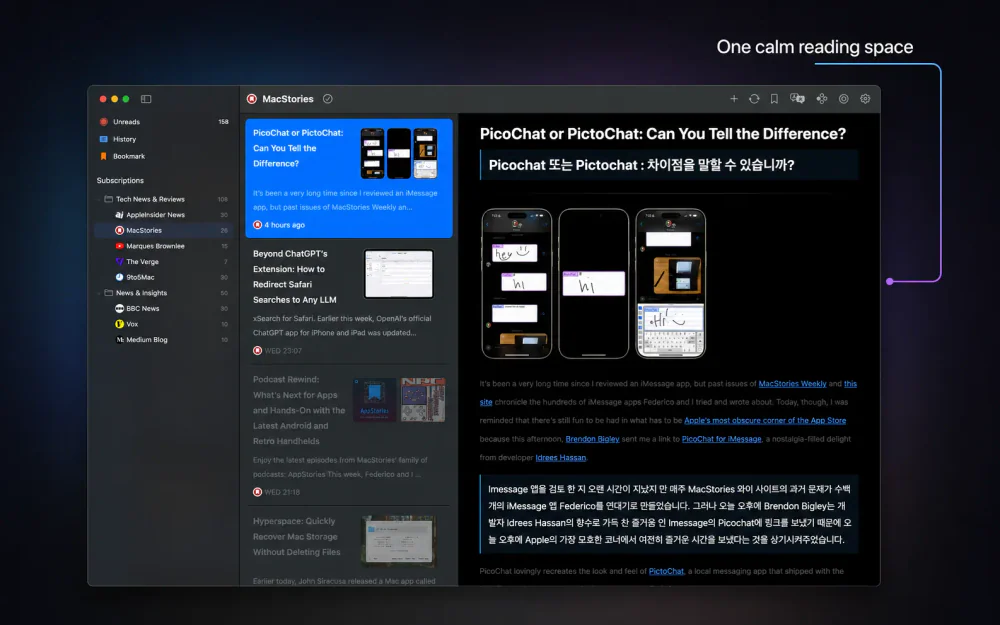
A Mac RSS reader with aligned bilingual reading, built-in translation, flexible feed controls, and a customizable workspace.

Capture text and entire tables from PDFs, videos, images, and any Mac screen, with rows and columns preserved.
Ever tried copying text from a video, screenshot, or PDF, only to realize you can't select it? Or needed to copy a table without spending time rebuilding its rows and columns?
That's where Textly comes in.
Textly is a native Mac app that lets you capture text and entire tables from almost anything on your screen. Simply select an area, and Textly turns what you see into text you can copy, edit, and reuse.
Capture complete tables: Extract tables while preserving their rows and columns. Export them as CSV, TSV, or Markdown.
Translate text: Translate captured text into different languages directly on your Mac.
Clipboard history: Easily access previously captured content without repeating the capture.
Private by design: Text recognition happens directly on your Mac using on-device processing.
Simple and lightweight: A native macOS experience designed to make everyday text capture effortless.
Most screen text capture tools focus on extracting words. Textly goes further by recognizing table structures, so you can reuse information without manually rebuilding the table.
Whether you're working with reports, researching online, collecting information from videos, or transferring tables into spreadsheets, Textly makes it easier.
Stop retyping what you can already see. Capture it with Textly.
Productivity · Free · Free download; Pro Version in-app purchase $9.99 on the US Mac App Store. Regional prices vary. $0
A Mac RSS reader with aligned bilingual reading, built-in translation, flexible feed controls, and a customizable workspace.

Productivity · Free · Free, with a 7-day trial of the paid features. Paid upgrades $19
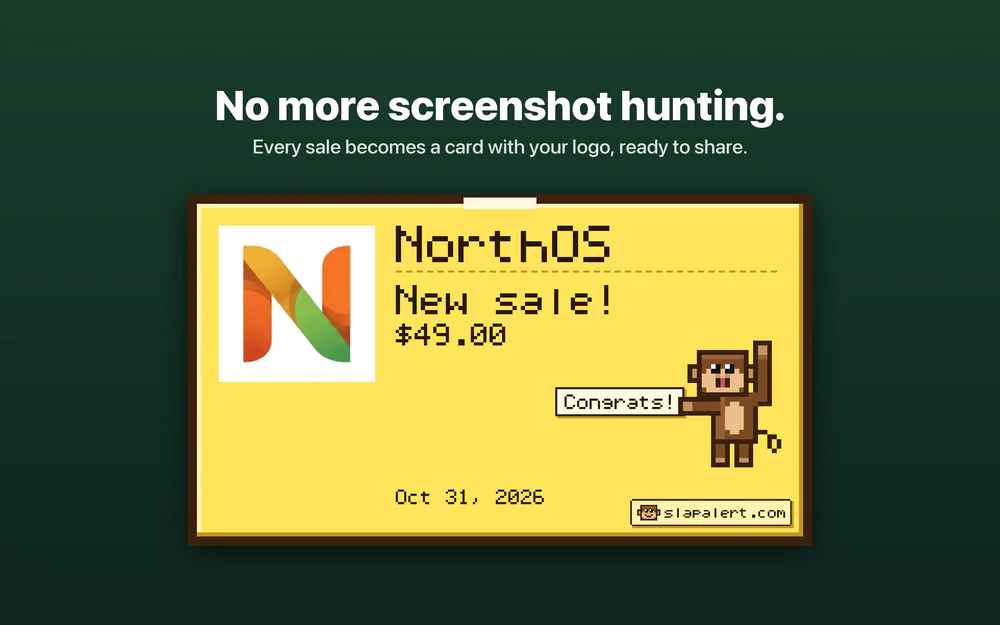
A menu-bar-only Mac app that celebrates every sale with a pixel-art monkey and sticky note.
Productivity · $25 · one-time (Black Friday $12.99 (was $25) until Nov 30, no code.)
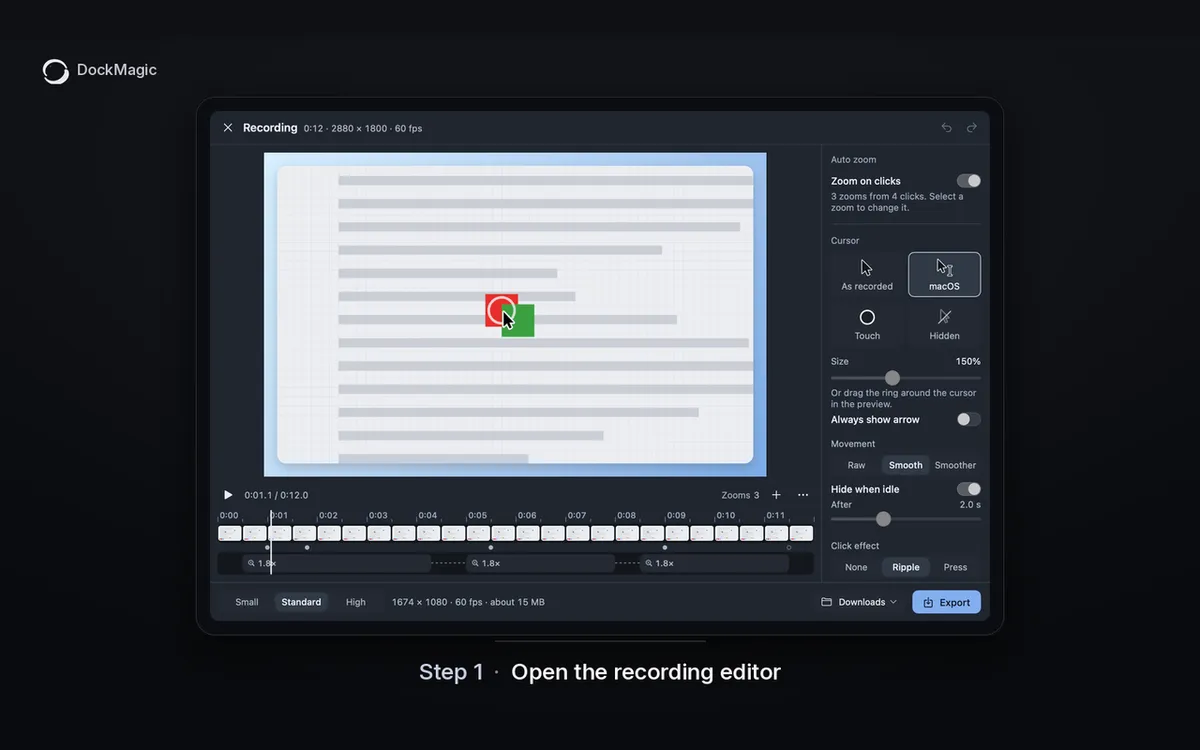
A second Dock for your Mac: AI limits, revenue, recordind, screenshot, recording, clipboard history and many more.
Productivity · $9.99 · one-time (7-day full-feature trial, then a USD $9.99 one-time editing unlock. Local App Store prices vary.)
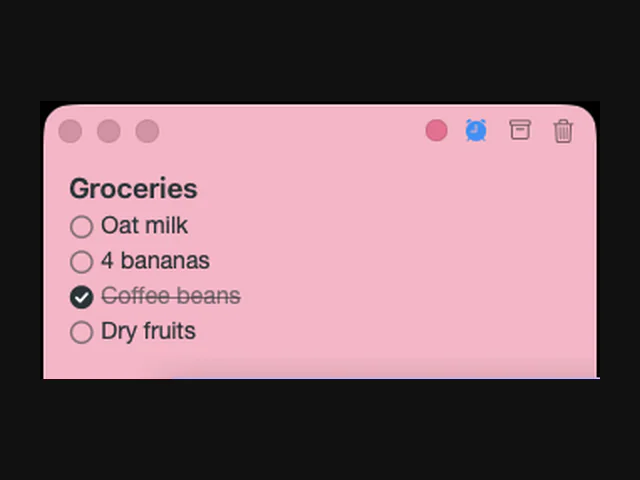
Sticky notes and checklists tucked into the edge of your Mac

Productivity · Free · Pro
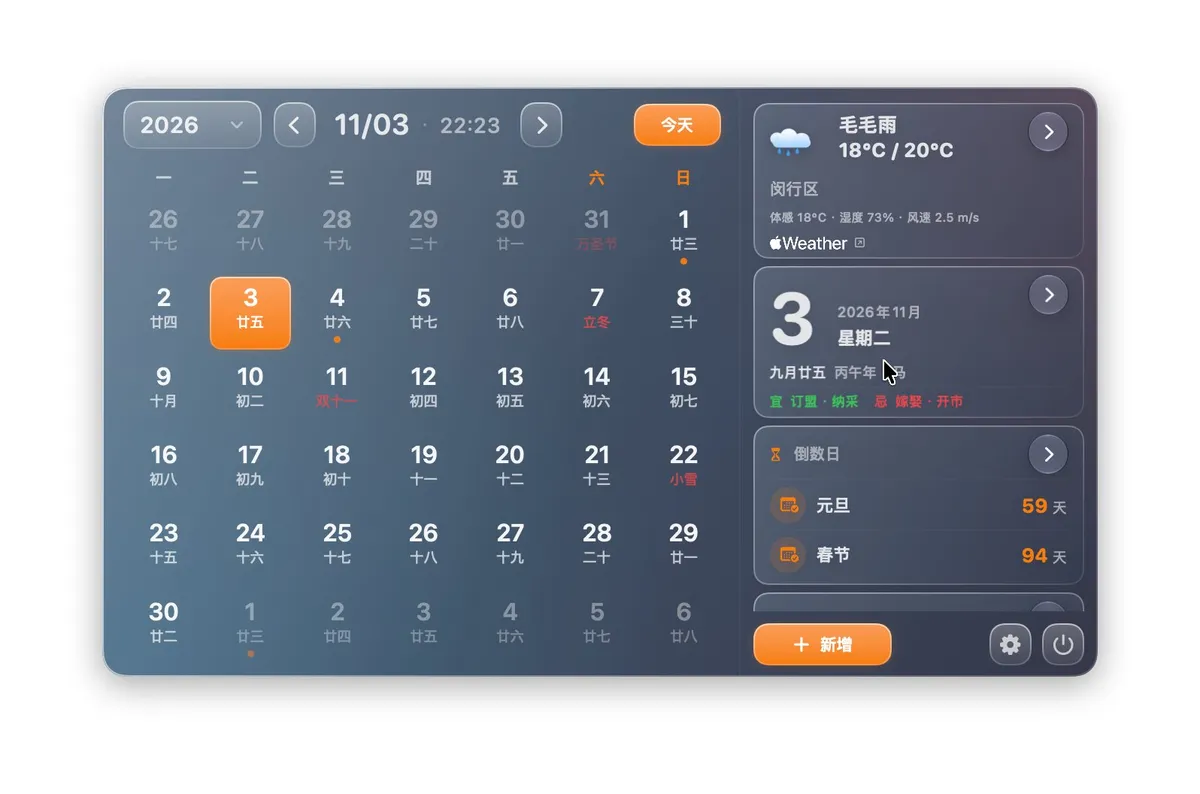
AirCalendar is a native Mac menu bar calendar showing today — date, schedule, to-dos and countdowns — in one small panel.

Productivity · $12 · one-time (Once, for up to 3 Macs; no free trial)
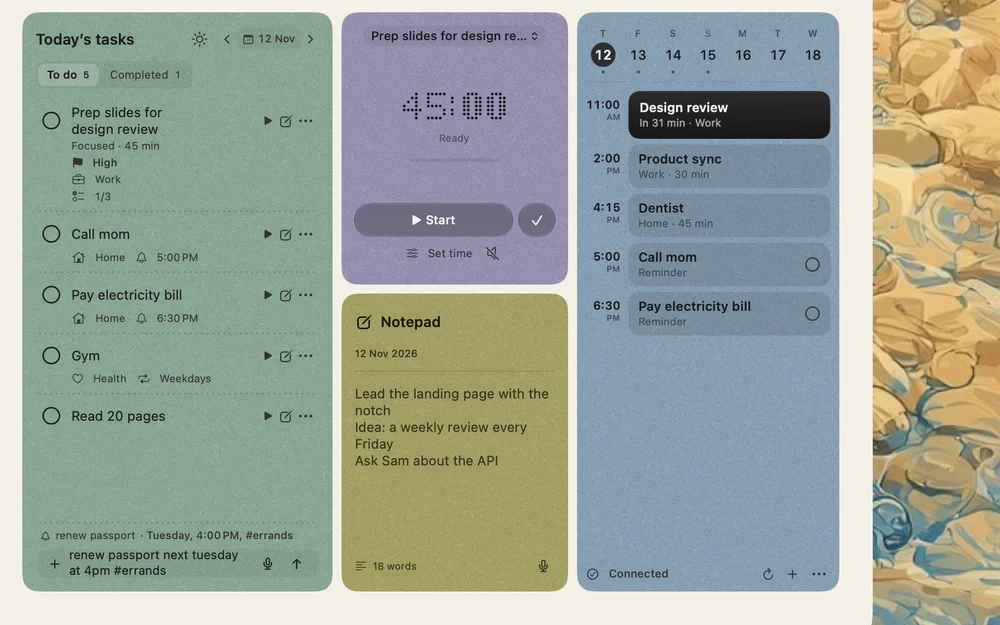
NotchOwl puts today's tasks, a focus timer, notes, reminders and your calendar in the MacBook notch, one hover away.