
Productivity · $19 · one-time (One-time, free for 14 days)
Ledge turns your Mac's notch into a shelf. Drag a file up, let go, and hand it to any app later as the right kind of thing.
A small app that turns the edges of your trackpad into interactive sliders.
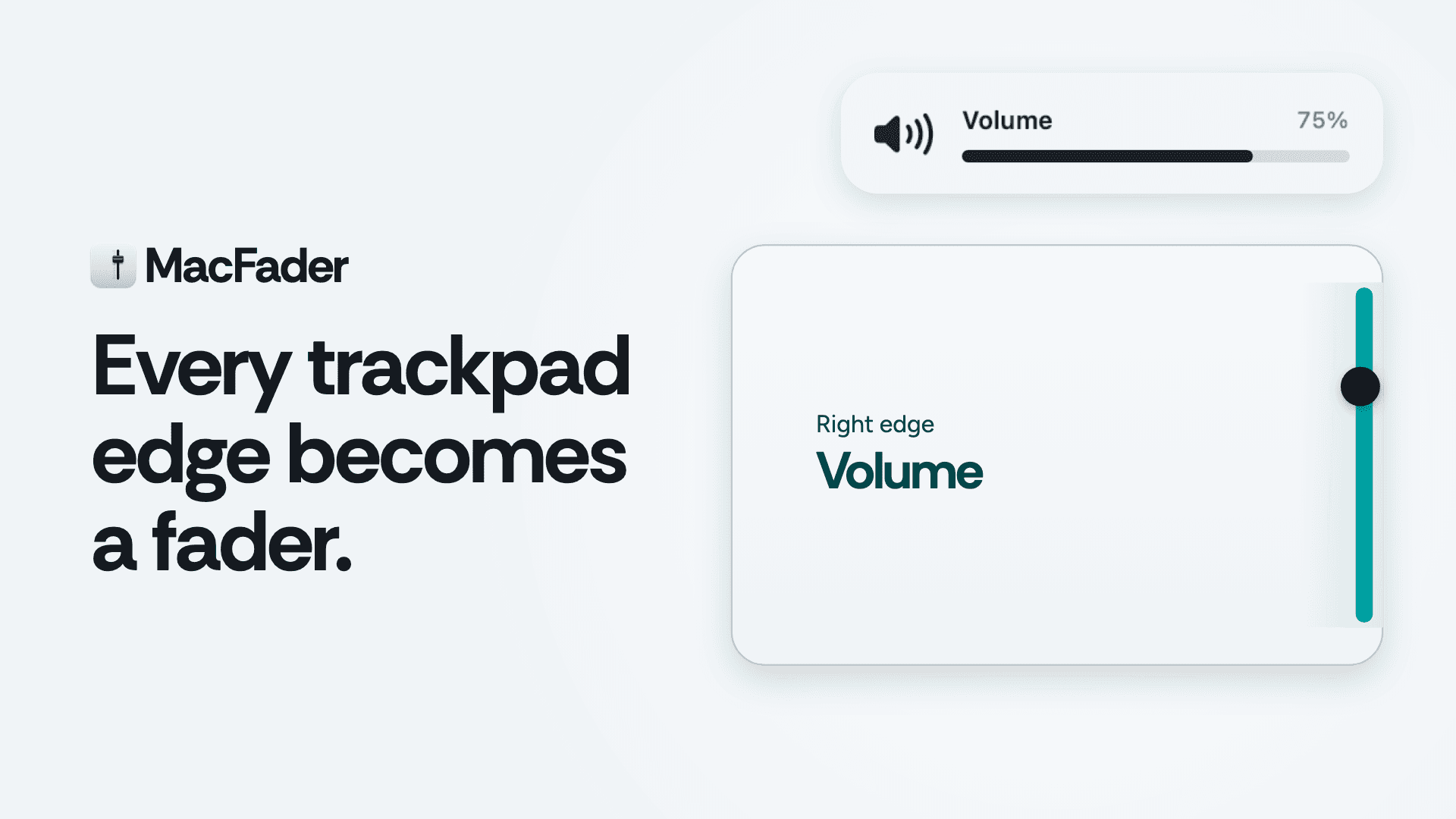
A small app that turns the edges of your trackpad into interactive sliders.
What it does by default Right edge: Slide up/down to adjust volume.
Left edge: Slide up/down to adjust display brightness, including external monitors via DDC on Apple Silicon.
Top edge: Slide to adjust keyboard backlight.
Bottom edge: Swipe for next/previous track. Double-tap to play/pause.
Top-right corner: Double-tap to mute.
Fine adjustments: Hold ⇧⌥ while sliding.
Every edge and corner can be reassigned. You can also configure corners to open Mission Control, start the screen saver, or sleep the display.
A few things I paid attention to Avoid accidental gestures: Palm rejection, edges ignored immediately after typing, and per-app disabling for games and drawing apps.
Haptic feedback: Feel when volume reaches 0%, 100%, or your custom favorite level.
Volume protection: Optional headphone volume cap.
Trackpad support: Works with both built-in Mac trackpads and Magic Trackpad.
Privacy: No analytics or tracking. The only network request is for license verification.
Permissions: Volume, brightness, and mute work without permissions. Accessibility is only requested when enabling features that need it, such as media keys and ignoring gestures while typing.
Details macOS 13 or later.
Notarized macOS app.
Not available on the Mac App Store because it uses a private framework to read trackpad input.
Price: $3.99, one-time purchase.
Free download with a setup tour that lets you try every edge before buying.
Try it out here: https://macfader.meticha.com
Which trackpad edge would you assign to something else? And what other actions would make this more useful in your daily Mac workflow?
Happy to answer any questions.
Productivity · $19 · one-time (One-time, free for 14 days)
Ledge turns your Mac's notch into a shelf. Drag a file up, let go, and hand it to any app later as the right kind of thing.
Productivity · $12 · one-time (One-time, free 24-hour trial)
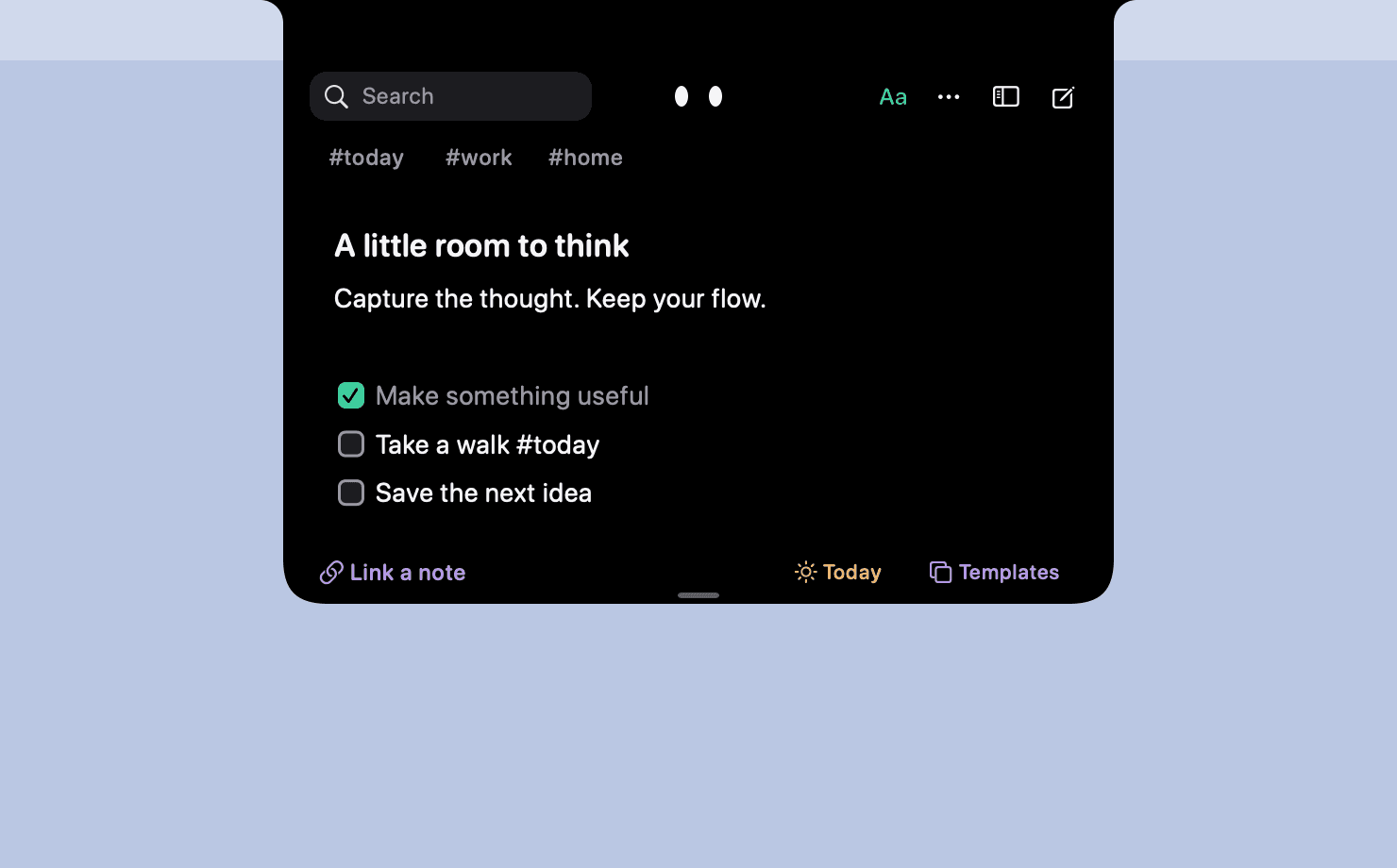
Catch a thought without leaving what you are doing. Notes, checklists and a little companion in your Mac's notch.
Productivity · $9 · one-time (One-time, two free receipts)
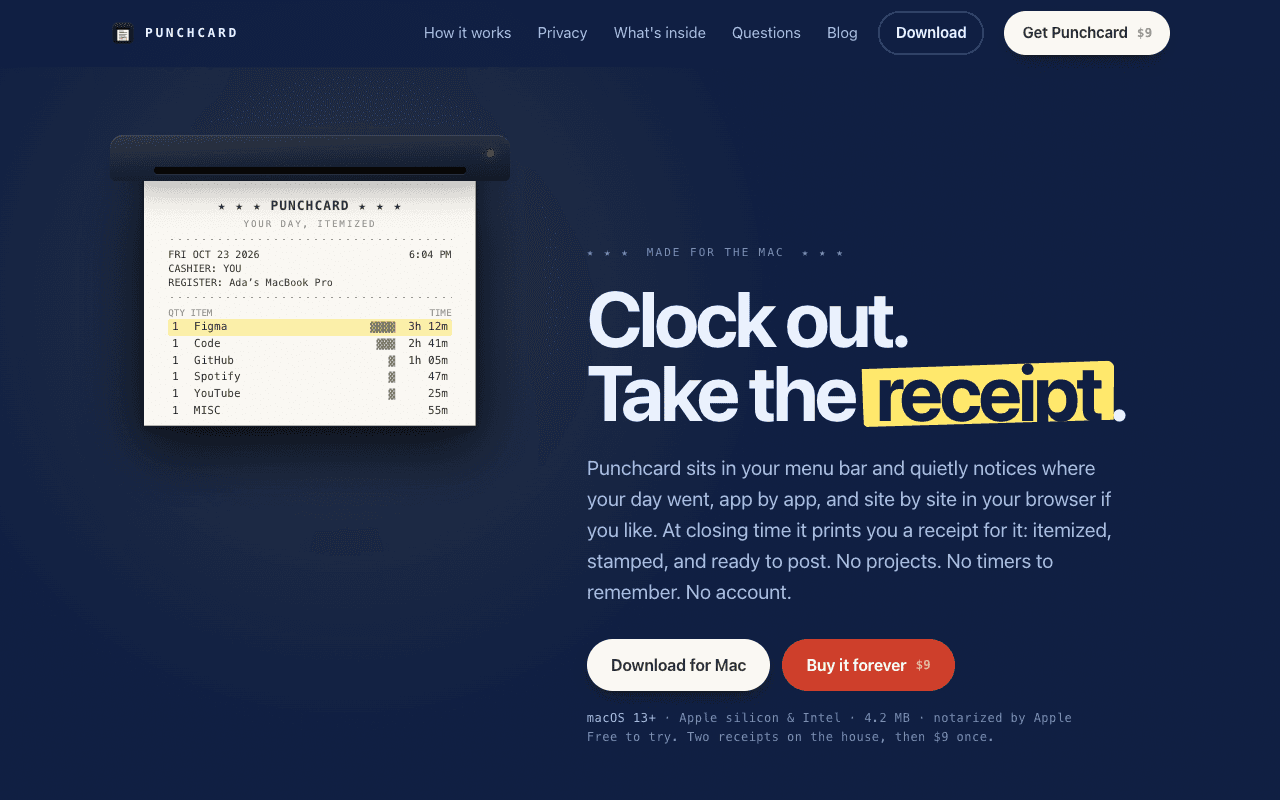
A Mac menu bar app that notices where your day went, app by app, then prints you a receipt for it at closing time.

Productivity · Free · Basic is free. Optional Plus monthly and annual subscriptions are available.
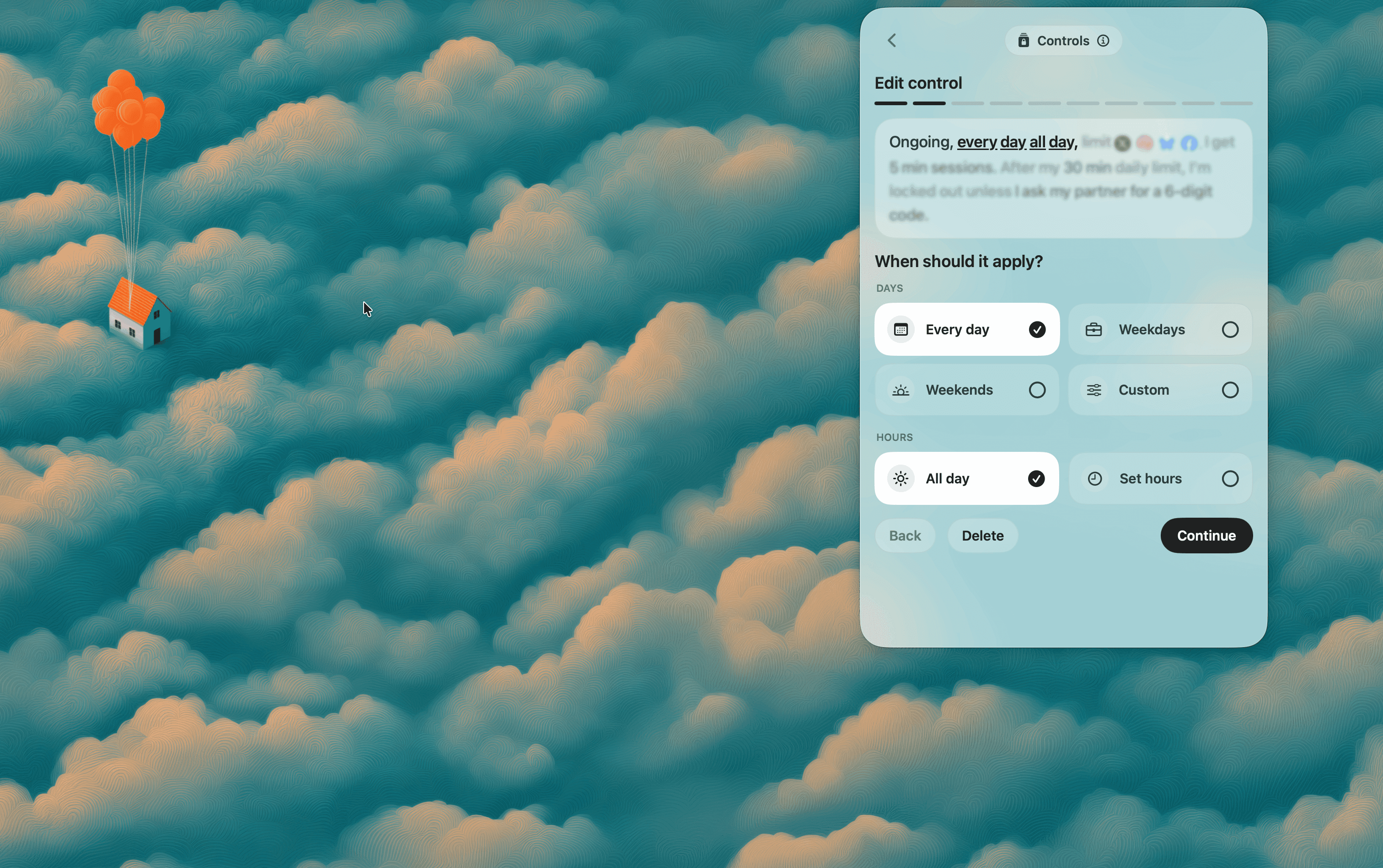
Take control of your screen time on Mac
Productivity · $9.99 · one-time (5 days free trial)
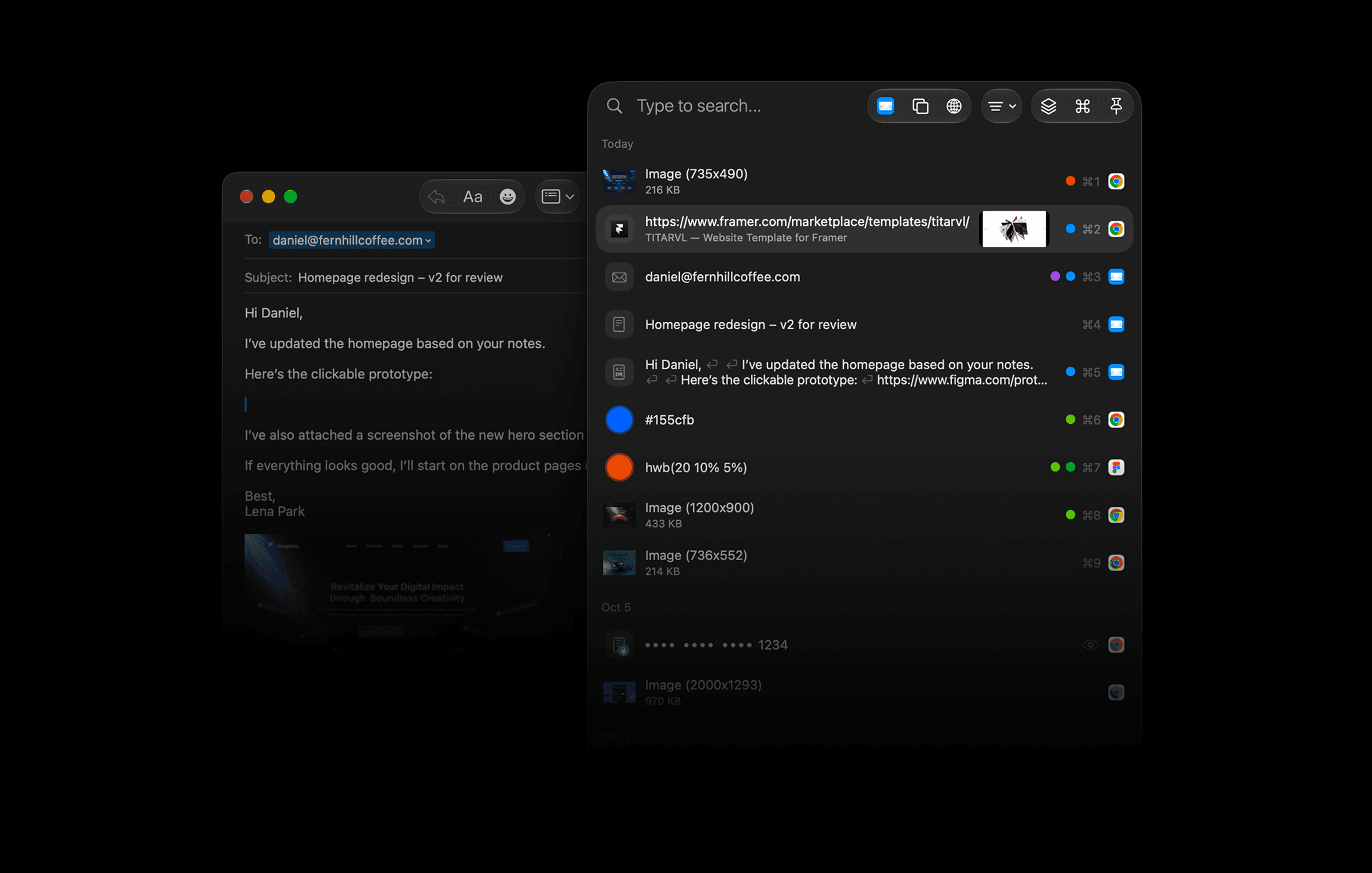
A powerful clipboard history for advanced Mac users. Keep, organize, find, and reuse everything you copy.
Productivity · $4.99 · one-time (Launch price for the first licences, covers all future tools)
Turns your MacBook notch into a toolbox: window snapping, clipboard history, break reminders and keep-awake in one native app.