
Productivity · $39 · one-time (free 7-day trial)
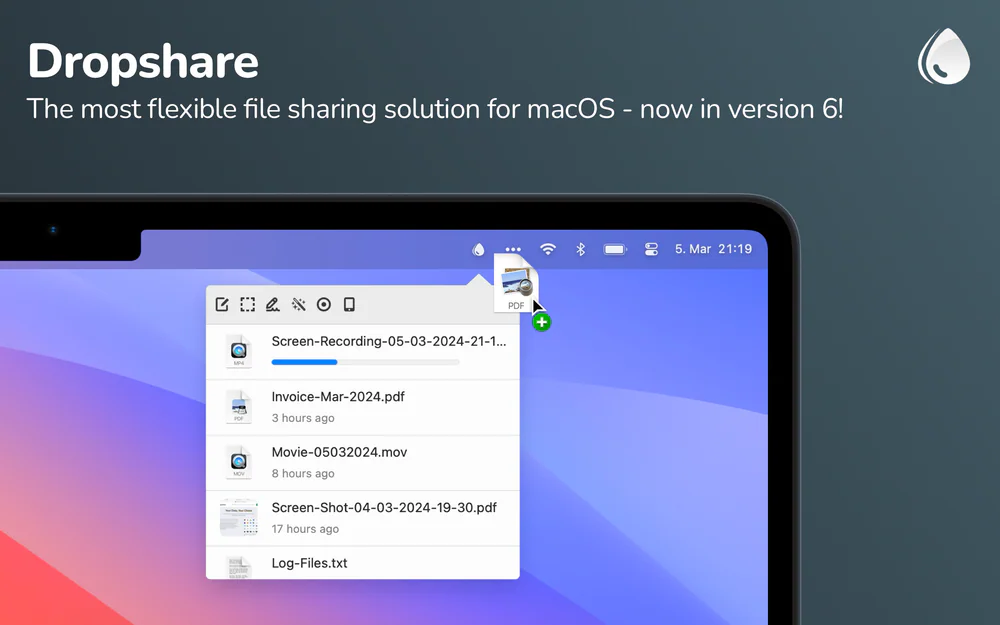
Upload screen shots, screen recordings and any files to your trusted storage provider and share them immediately with just a link.

Automatically back up selected Mac folders to your own cloud storage, with optional encryption and protection against accidental deletion.
Back up the work you can't afford to lose.
CloudChute automatically backs up your chosen folders to Google Drive, Dropbox, Box, Amazon S3 or S3-compatible storage. Schedule frequent backups of your Desktop, Documents, active projects and creative work without backing up your entire Mac.
Restore files or recover earlier versions from your separate off-site backup.
Back up up to four Macs with one subscription. Register each Mac using the same subscription email.
CloudChute is built in Swift for Apple Silicon and Intel Macs. Its menu bar icon provides quick access to backup information, including the last and next scheduled backups, with additional details available when the app is open. Requires macOS Sonoma 14.4 or later.
Your storage. Your choice. Your backup.
Learn more at https://www.cloudchute.co.uk
Productivity · $39 · one-time (free 7-day trial)
Upload screen shots, screen recordings and any files to your trusted storage provider and share them immediately with just a link.
Utilities · Free & open source
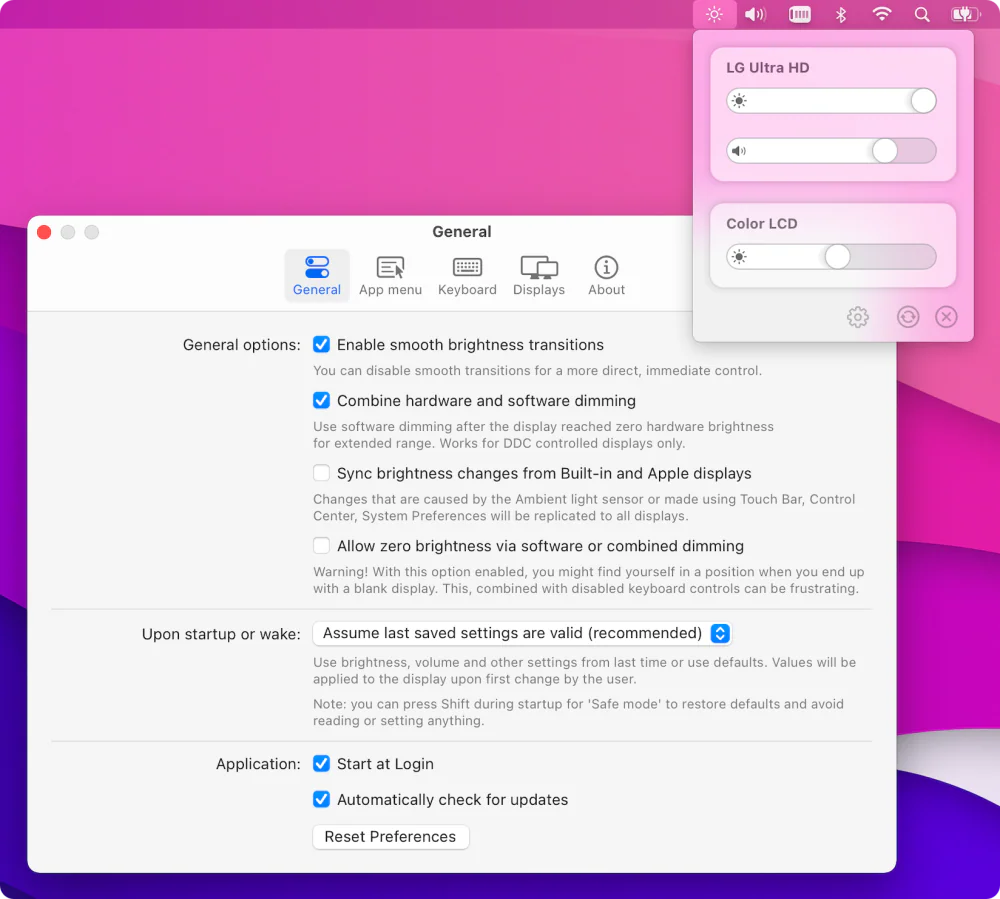
Free, open-source brightness and volume control for external monitors — the native macOS controls Apple never gave your non-Apple display.

Utilities · $9.99 · one-time (Launch Pricing)
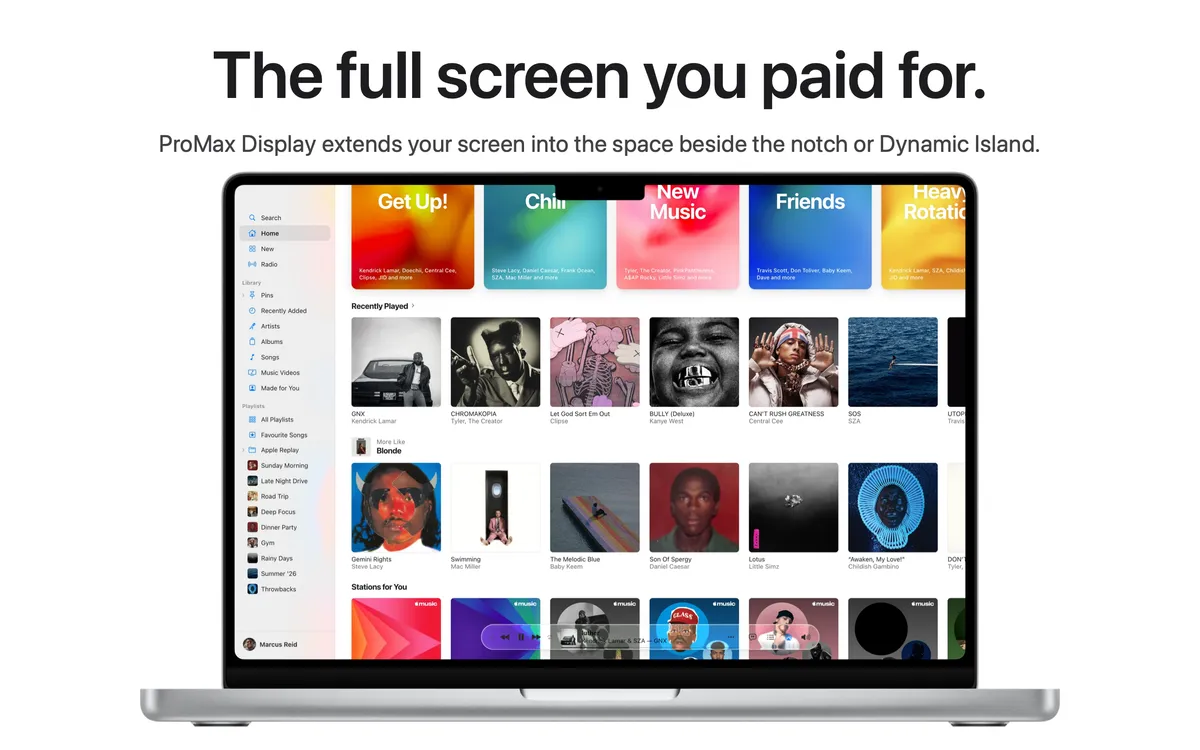
Lets full screen apps use the strip beside your MacBook's notch or Dynamic Island, so you get the whole display.

Utilities · $4.99 · one-time (14-day free trial. One license covers up to 3 Macs.)
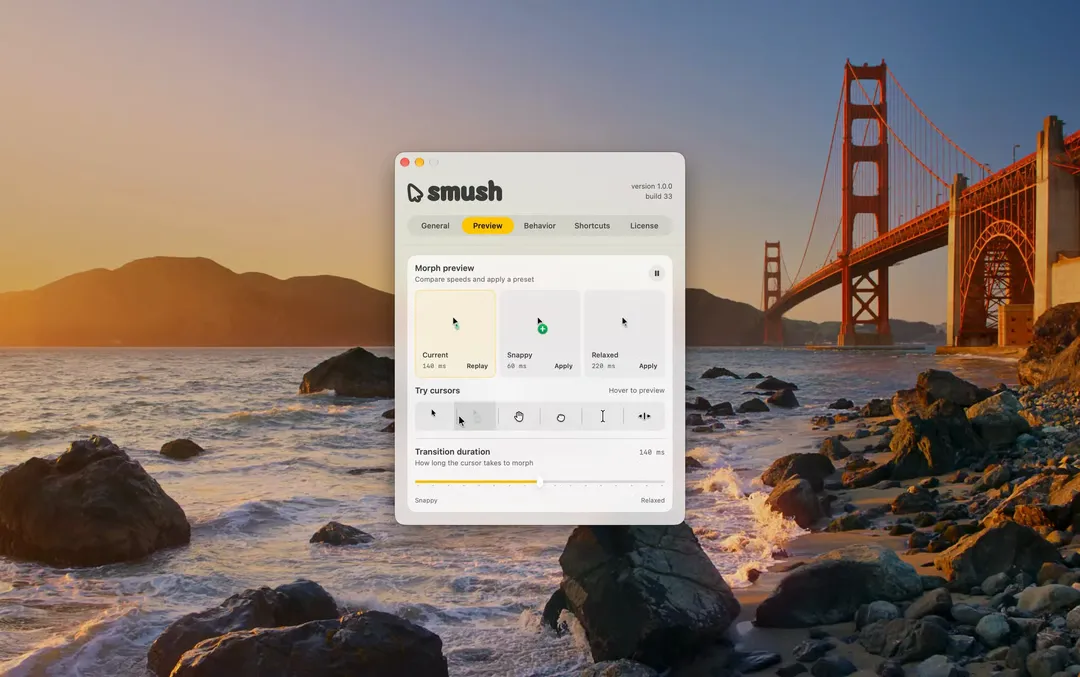
Adds a little animation when your Mac’s cursor changes shape.

Utilities · $9.99 · one-time (14-day trial · launch price until Jan 12, 2027, then $14.99)
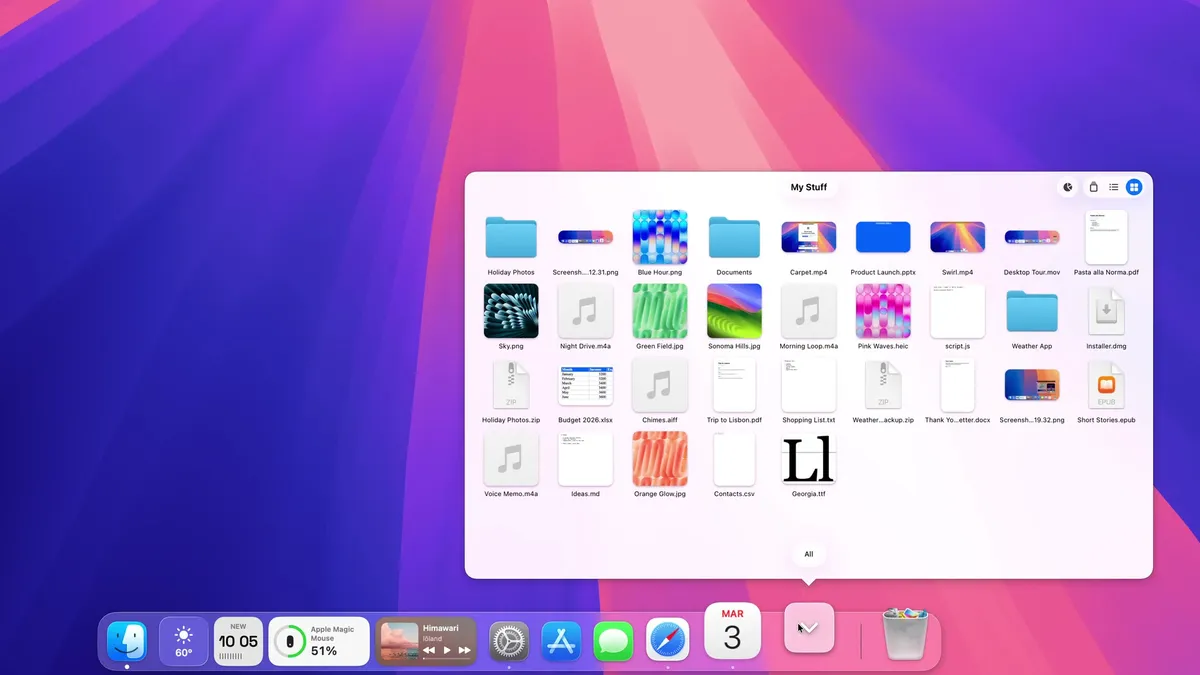
A Dock for macOS, written from scratch. Same spot, new tricks: badges that talk, widgets, Finder-like folders and smarter hiding.
20% off, on top of the launch price for members
Utilities · Paid
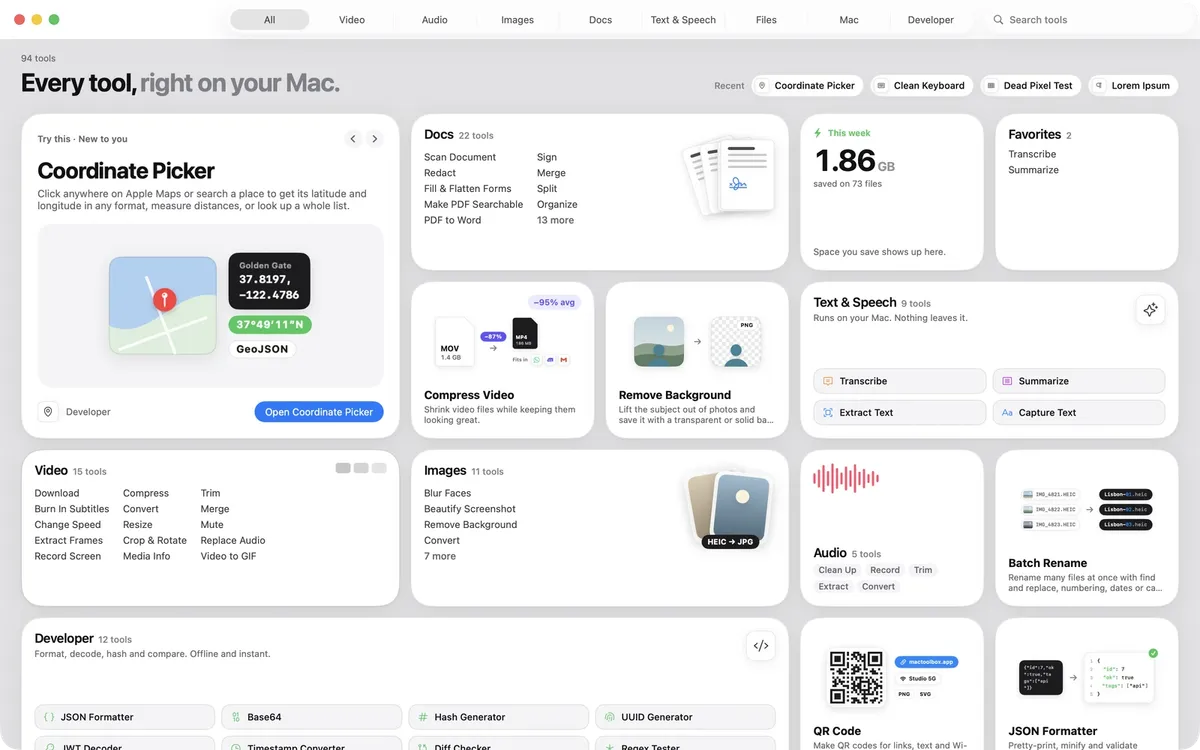
100+ native Mac tools in one app: compress video, sign PDFs, remove backgrounds, transcribe, all offline.